LVS-95XX Series Barcode Quality Station Operations Manual
LVS-95XX Series Barcode Quality Station Operations Manual - English Page 64 of 94
are not in the correct spot or have a blemish. When this occurs, error correction is used and causes the
software to highlight the cells in red where error correction was applied.
3. Zoom
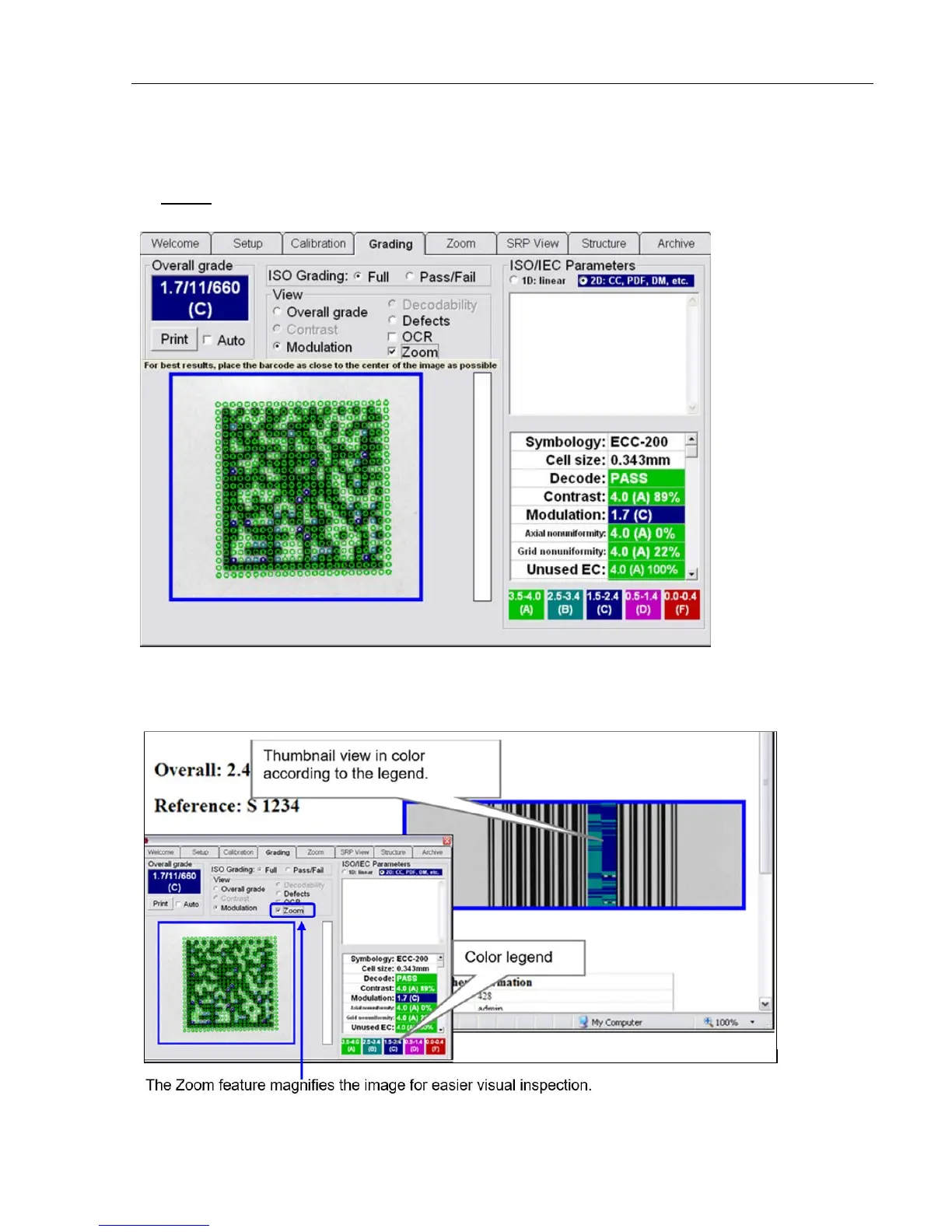
Data Codes are often very small. The Zoom feature is used to magnify the image for easier visual inspection.
If the Zoom feature, along with either the Modulation, Defects, or OCR feature, are checked and a
Verification Report is printed, the thumbnail view on the report shows the results in color according to the
legend at the bottom of the screen.



 To Next Page