LVS-95XX Series Barcode Quality Station Operations Manual
LVS-95XX Series Barcode Quality Station Operations Manual - English Page 90 of 94
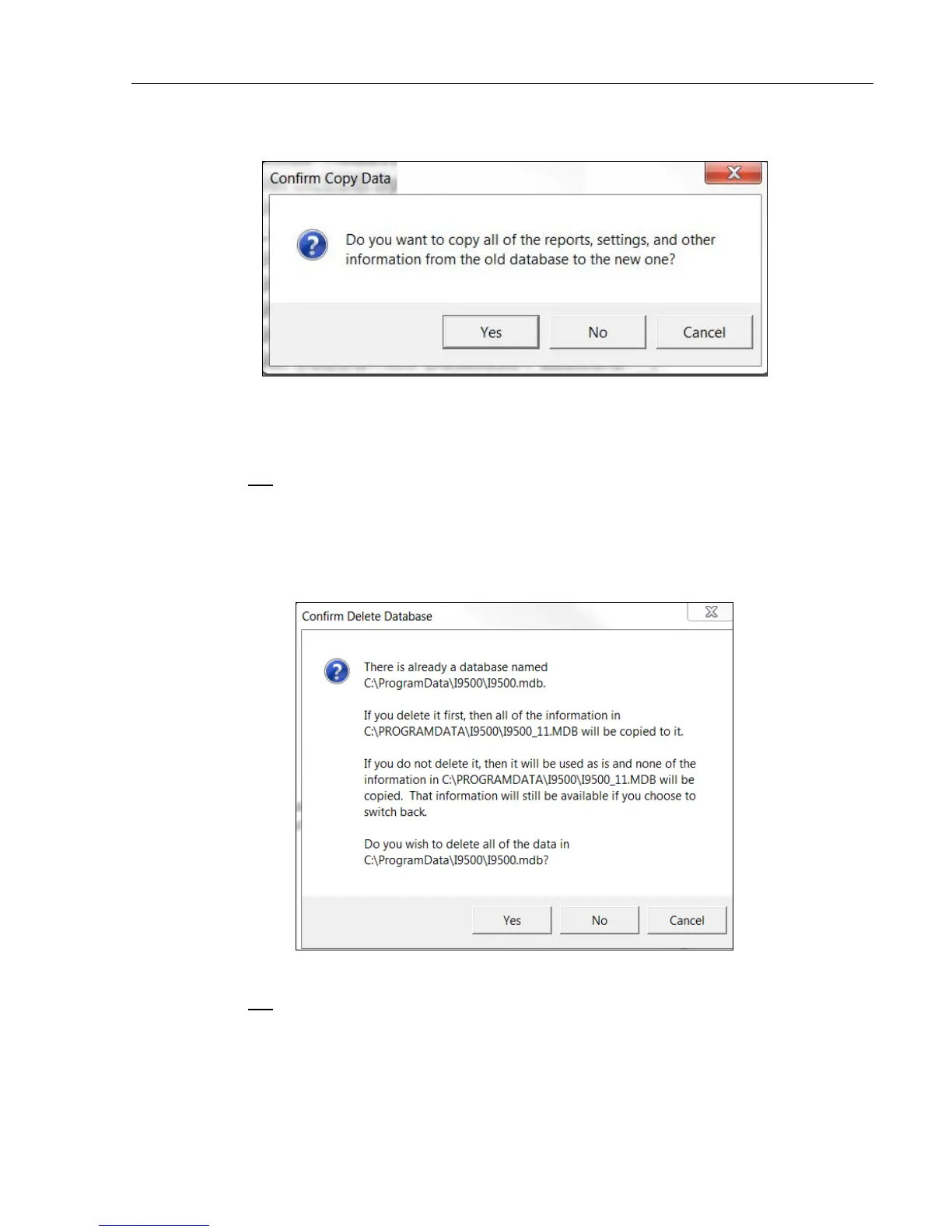
4. If selecting Yes to the message above, the following message appears.
• Click Yes to copy the reports, settings and other information from the old database to the new database.
It is not required to select Yes, but is recommended because reports, settings and other information not
copied to the new database will be lost and some settings require you to contact Microscan for the
password of the day to restore the settings.
• Click No to not copy reports, settings and other information from the old database to the new database.
This action may result in the loss of reports or settings and will require you to contact Microscan for the
password of the day to restore the settings.
• Click Cancel to exit the window. No changes are saved.
5. If the database already exists in the new source location, the following message appears allowing you to
choose one of the following options:
• Click Yes to delete the database in the new source location and populate with the new database.
• Click No to not delete the database in the new source location. The new database will not be copied to
the new source location.
• Click Cancel to exit the process and not save any changes.



 To Next Page