66 NDT-2000 User's Manual
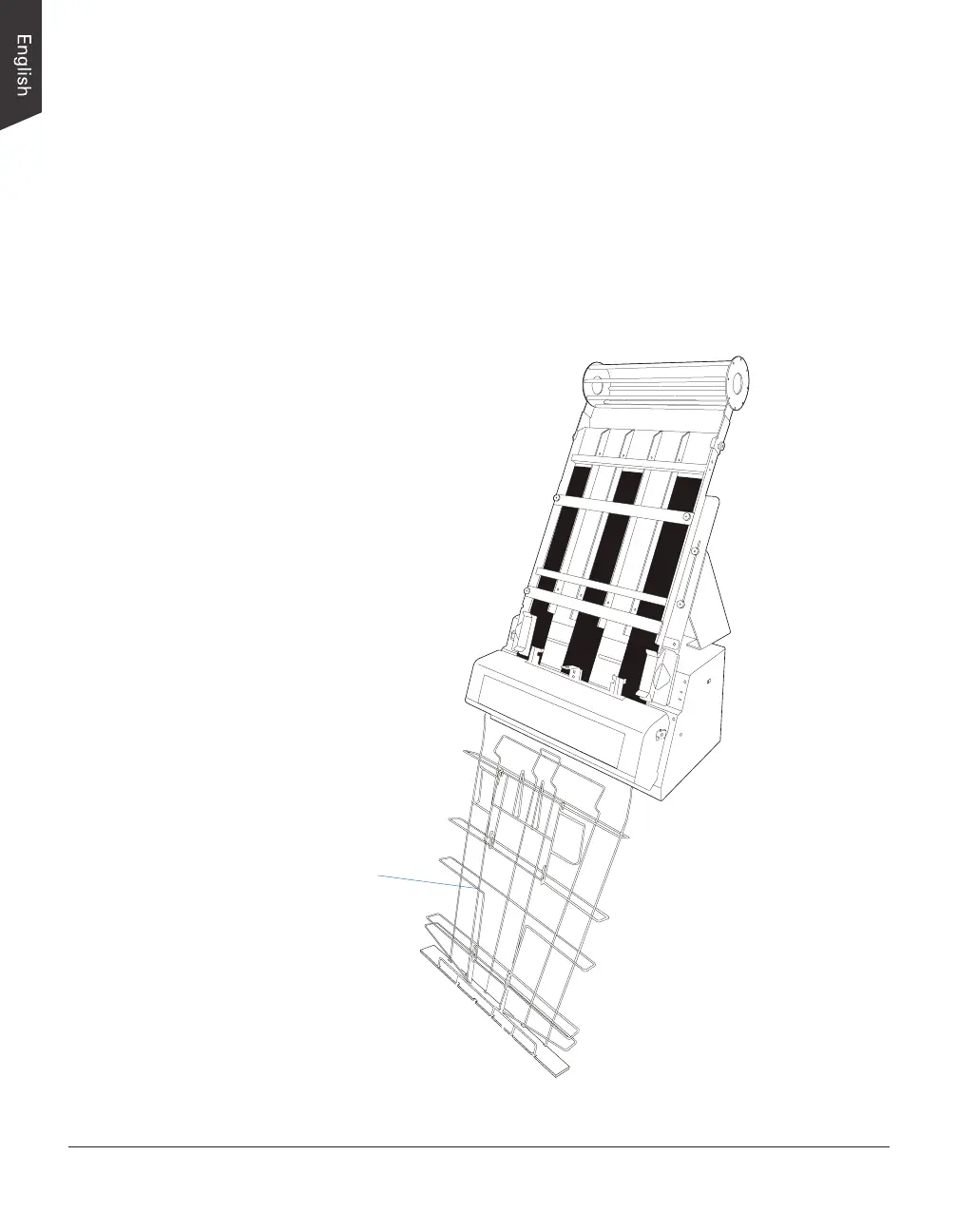
Using the Output Tray
Before start using the Multi-channel Film Feeder (MFF) to scan, make sure that
the Output Tray (i.e., Output Basket) has been installed correctly on your NDT-
2000 too; otherwise, improper outputs of piles of lms may cause jams of lms
and bring damage to your digitizer. Refer to the previous section “Installing the
Output Tray” for the details about how to mount the Output Tray onto your
NDT-2000.
NOTE: To ensure that the after-scan lm can stay in the basket neatly, make
sure that the lower door of basket is closed.
Output Basket (with
lower door closed)


 To Next Page