Process documentation
104
Process documentation using a report printer (option)
Process reports are printed via a directly connected report printer and
archived on paper. Graphic representations are not included. An XKM
RS232 10 Med communication module is required for direct
connection.
Report formats
You can choose from two different report formats for paper archiving:
- In long format all recorded data is included.
- Short format includes only selected parameters.
The report format has no effect on the data stored in the machine. All
the data required for a long report is stored, so the report format can
be changed for each new cycle.
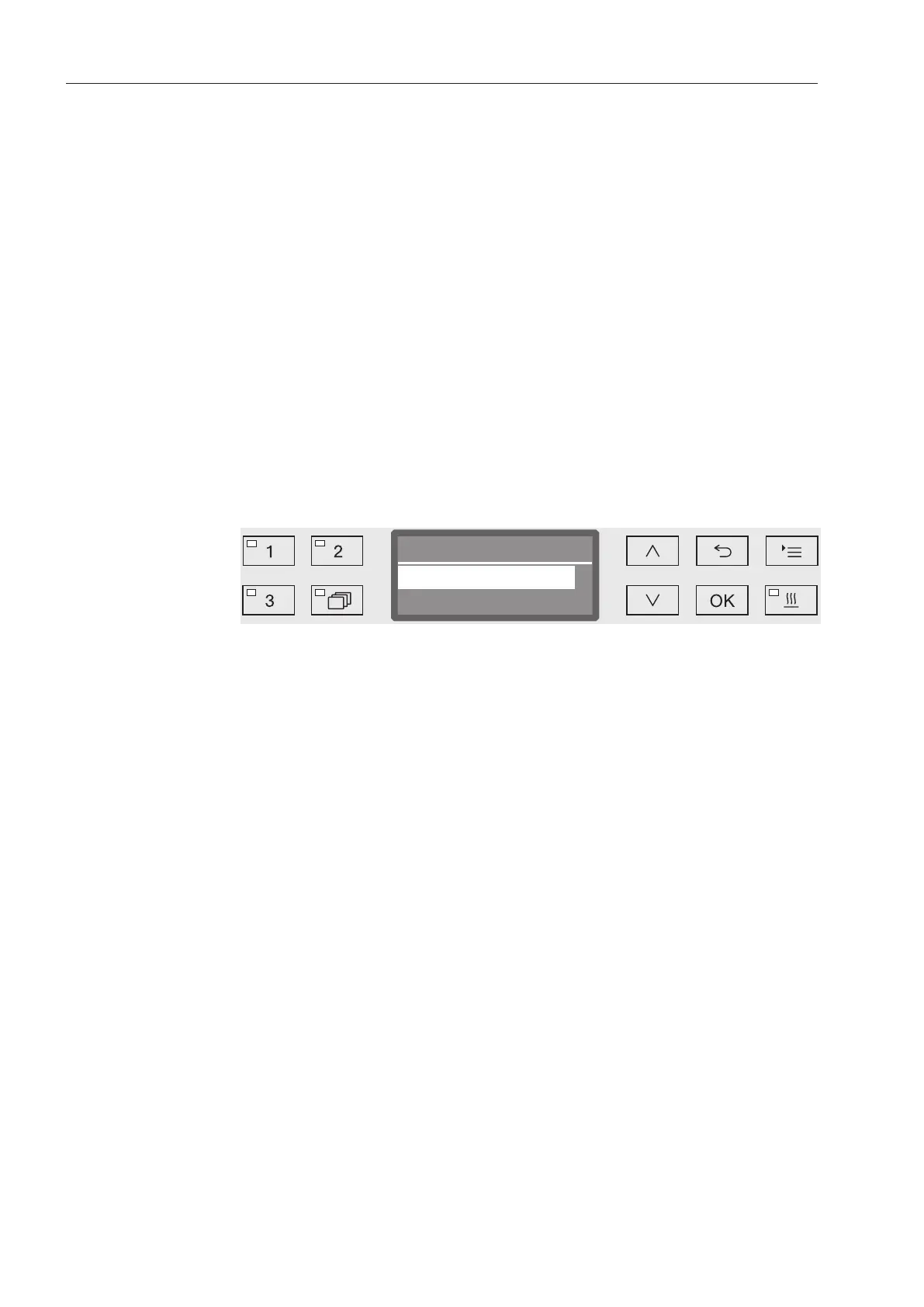
Open the menu as follows:
Button
Additional settings
Report
- Short
Print in short format
- Long
Print in long format
Select an option using the and arrow buttons.
Press OK to save the setting.



 To Next Page