Settings
71
Volume
A buzzer which is integrated into the control panel can give an
acoustic signal in the following situations:
- When buttons are pressed (keypad tone)
- End of program
- System messages (information)
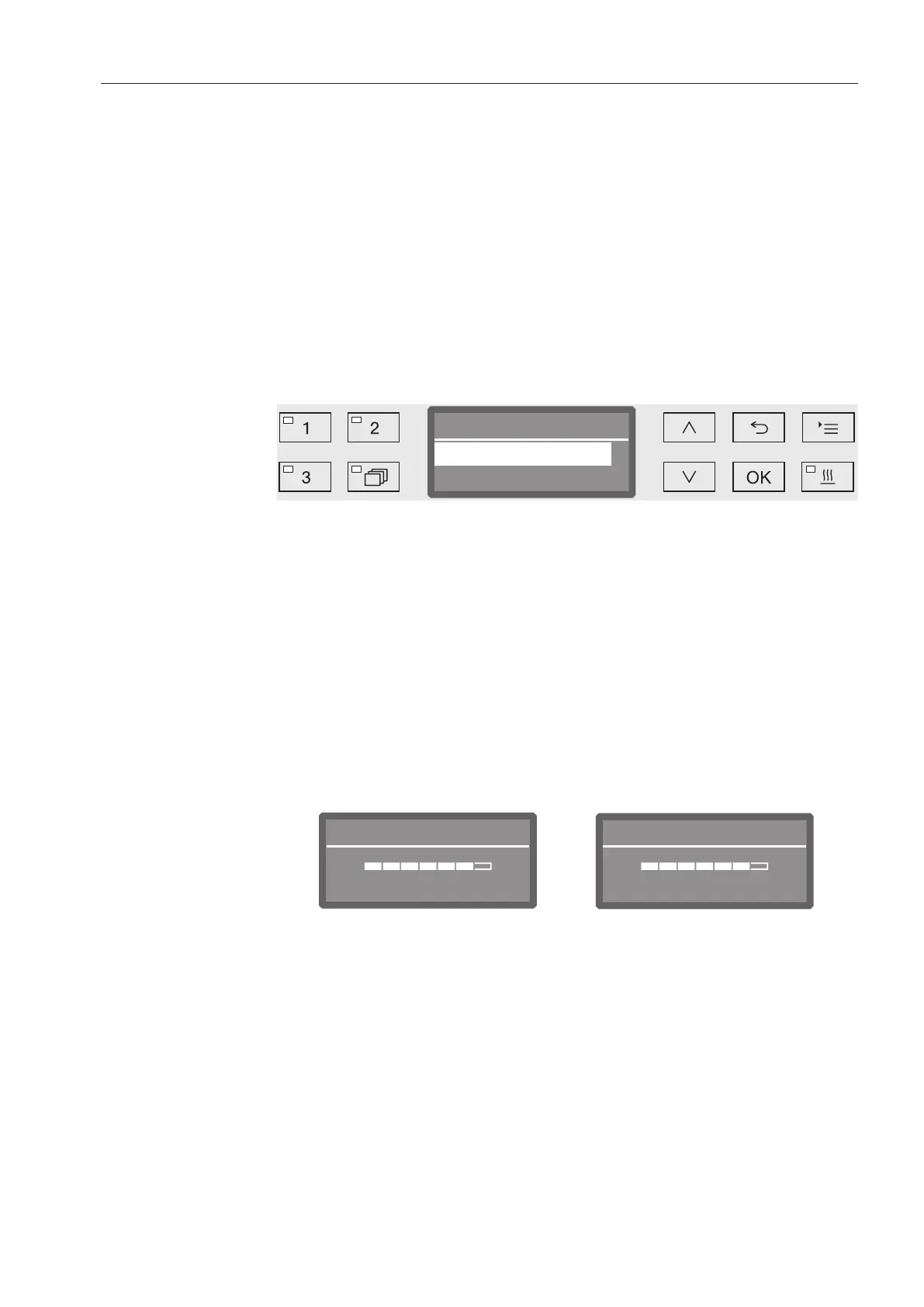
Open the menu as follows:
Button
Settings
Volume
Volume
Buzzer tones
Keypad tone
- Buzzer tones
Setting the buzzer volume for program end and system messages
(information).
- Keypad tone
Setting the buzzer volume for keypad tone.
Select an option using the and arrow buttons.
Confirm your selection with OK.
When Keypad tone has been selected, you can adjust the volume
immediately. When Buzzer tones has been selected, you must first
select for which tone, Warning or Program end, you would like to
adjust the volume.
Program end
LouderQuieter
Keypad tone
Quieter Louder
The volume level is represented by a bar chart. On the lowest setting
the buzzer tone is switched off.
Use the arrow buttons (Louder and (Quieter) to set the volume.
Press OK to save the setting.



 To Next Page