Operation
55
Drying
The additional “Drying” function accelerates the drying process at the
end of the program.
When the drying function is activated and the door is closed, the
drying system feeds heated and HEPA-filtered air into the wash
chamber for active drying of the load. The heated air is discharged
through the steam condenser and can be cooled down if necessary
(see “Further settings/Air cooling”).
The drying function can be preselected for all programs with a drying
phase or can be retrospectively switched on or off every time a
program is selected (see “Settings /Drying”).
Drying is activated or deactivated prior to program start by pressing
the button. The LED in the button indicates whether the
additional function is on or off. The drying time of the program can
also be changed.
When the drying function is activated, the program runs longer.
Activating and
deactivating drying
Select a program.
Press the button before the program start.
If Miele Service has set the drying duration so that it can be changed,
you can set a new drying duration. Otherwise the pre-set drying
duration cannot be changed.
If drying is
deactivated
If the drying function has been previously deactivated, it can be
activated by pressing the drying button.
If the time is set as changeable, the preset drying time for this
program is shown in minutes (min) in the display and the possible
setting range is displayed in the bottom line.
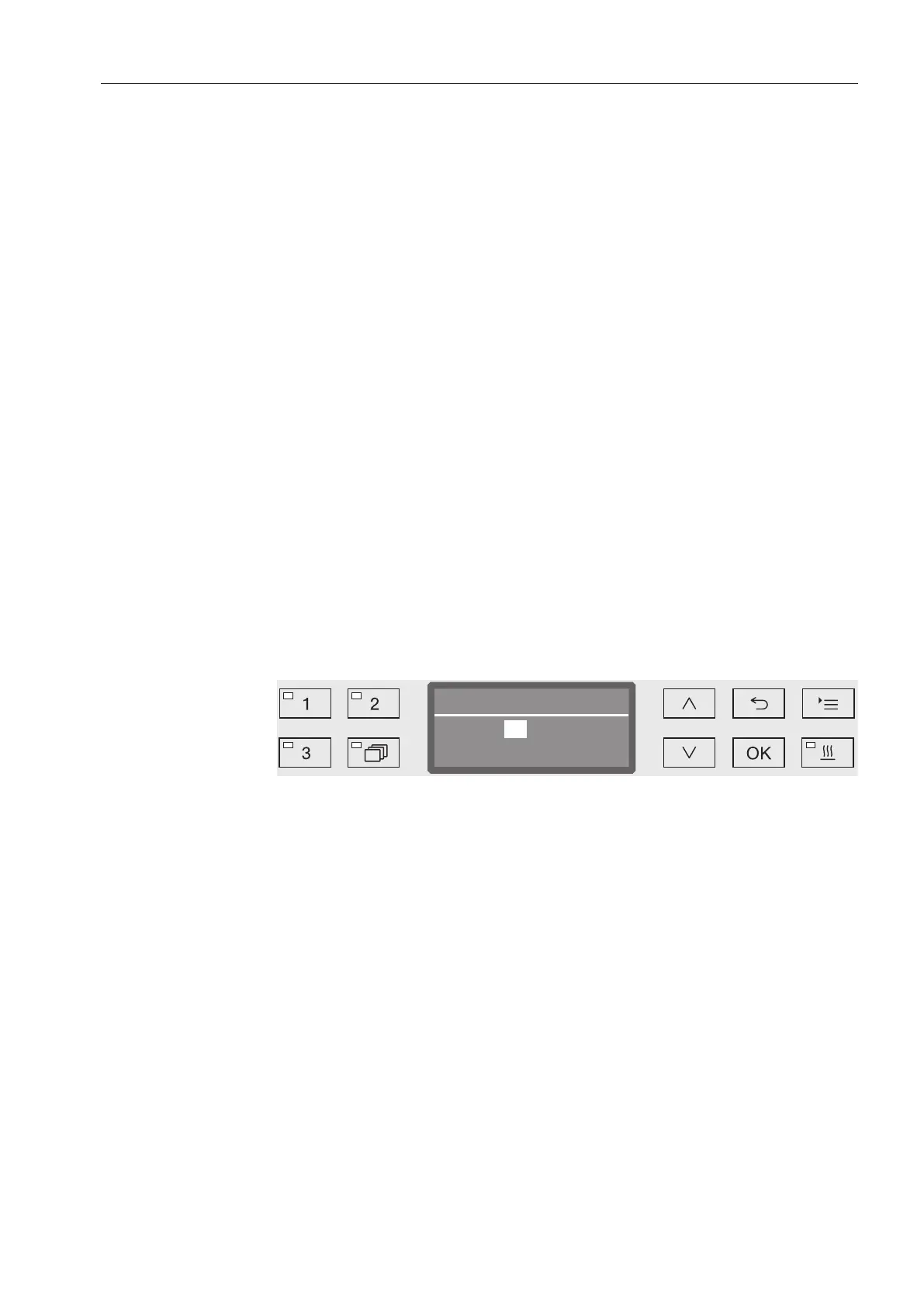
Use the arrow buttons (higher) and (lower) to change the
drying time and press OK to save the setting. Drying is now
activated.



 To Next Page