Operation
59
System messages
After the machine is switched on or a program sequence is
completed, a series of system messages may be shown on the
display. These indicate e.g., low fill levels in the containers or required
maintenance.
Changing the
filter
Several hours before reaching the maximum permitted operation
hours, you will be prompted to change the air filters.
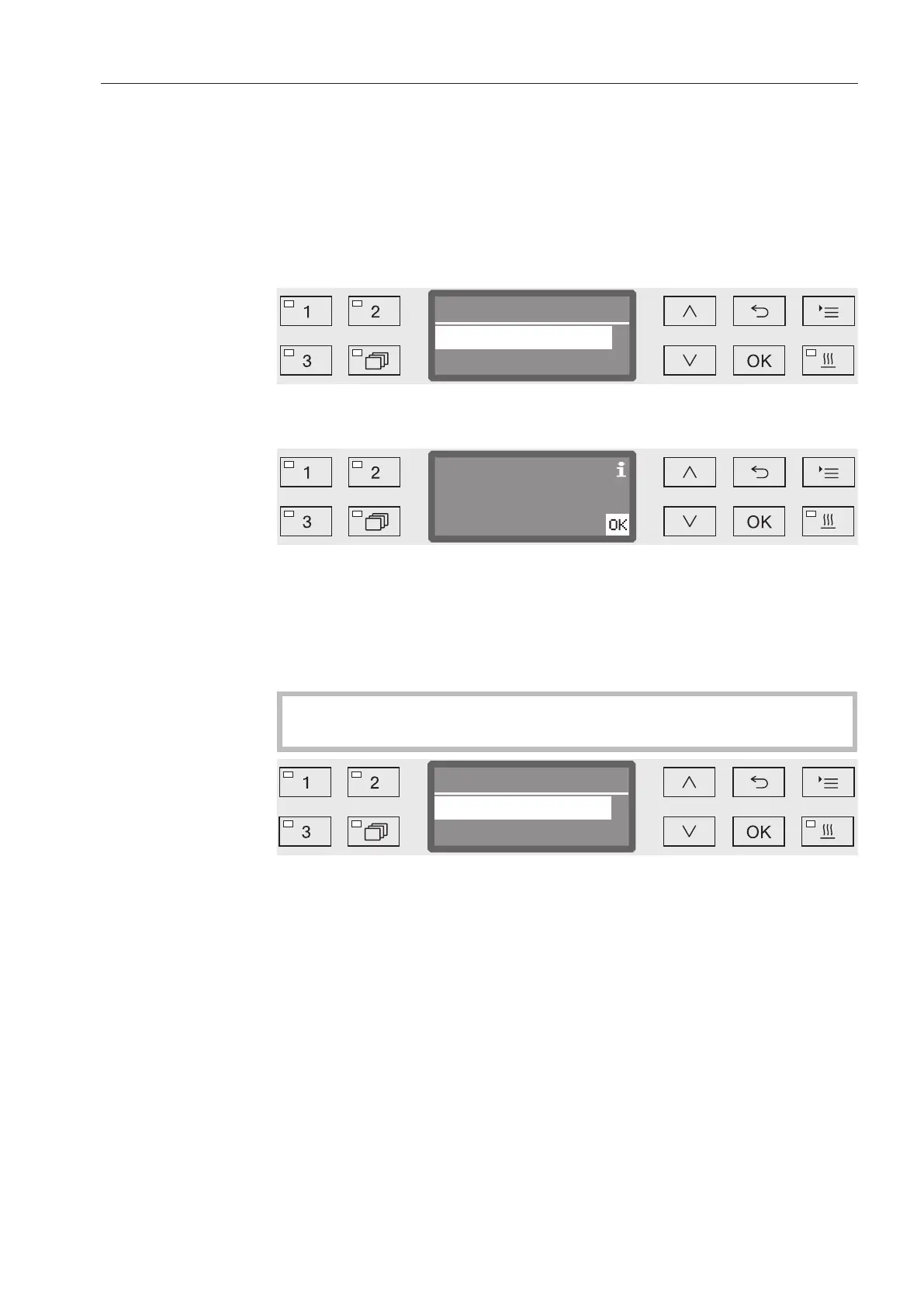
Change HEPA filter?
Now
Later ( operating hrs.)
Confirm the message with OK and change the filter according to
the instructions in the section “Maintenance”.
The remaining operating hours for this filter type are shown in the
display.
Confirm the message with OK.
Then you will be asked if you wish to reset the operating hours
counter.
The operating hours counter must only be reset when the filter
has been changed.
- Yes
The operating hours counter will be reset for the new filter.
- No
The counter will not be reset.
Select an option using the and arrow buttons.
Confirm your selection with OK.



 To Next Page