Process documentation
105
Outputting batch protocols retrospectively
Internally stored protocols can be output retrospectively from the
machine.
External software
If supported, data can be retrieved directly via the documentation
software using an existing network connection. It is not necessary to
input entries at the machine itself.
Report printer
The following options are available for printing reports retrospectively.
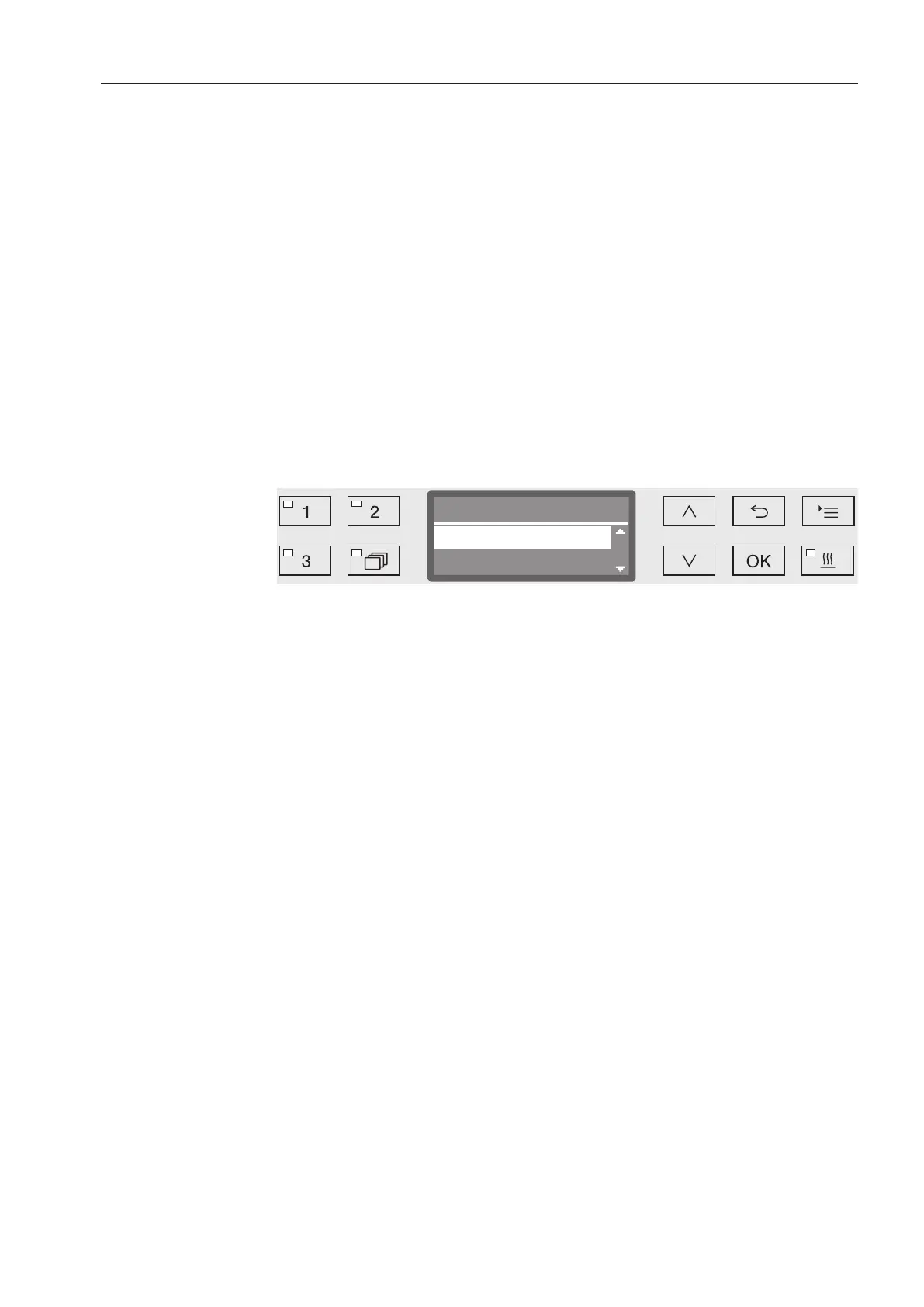
Open the menu as follows:
Button
Additional settings
Interface
RS232
Print reports
Transfer reports
Current work day
Last report
- Last report
Output of the last cycle report.
- Current work day
Output of all cycle reports for the current working day.
- Last working day
Output of all cycle reports for the previous working day.
- All
Output of all saved reports.
Select an option using the and arrow buttons.
Data transmission is started by pressing the OK button.
Data transmission runs in the background so the machine can go on
being used.



 To Next Page