Additional settings
89
Display: brightness and contrast
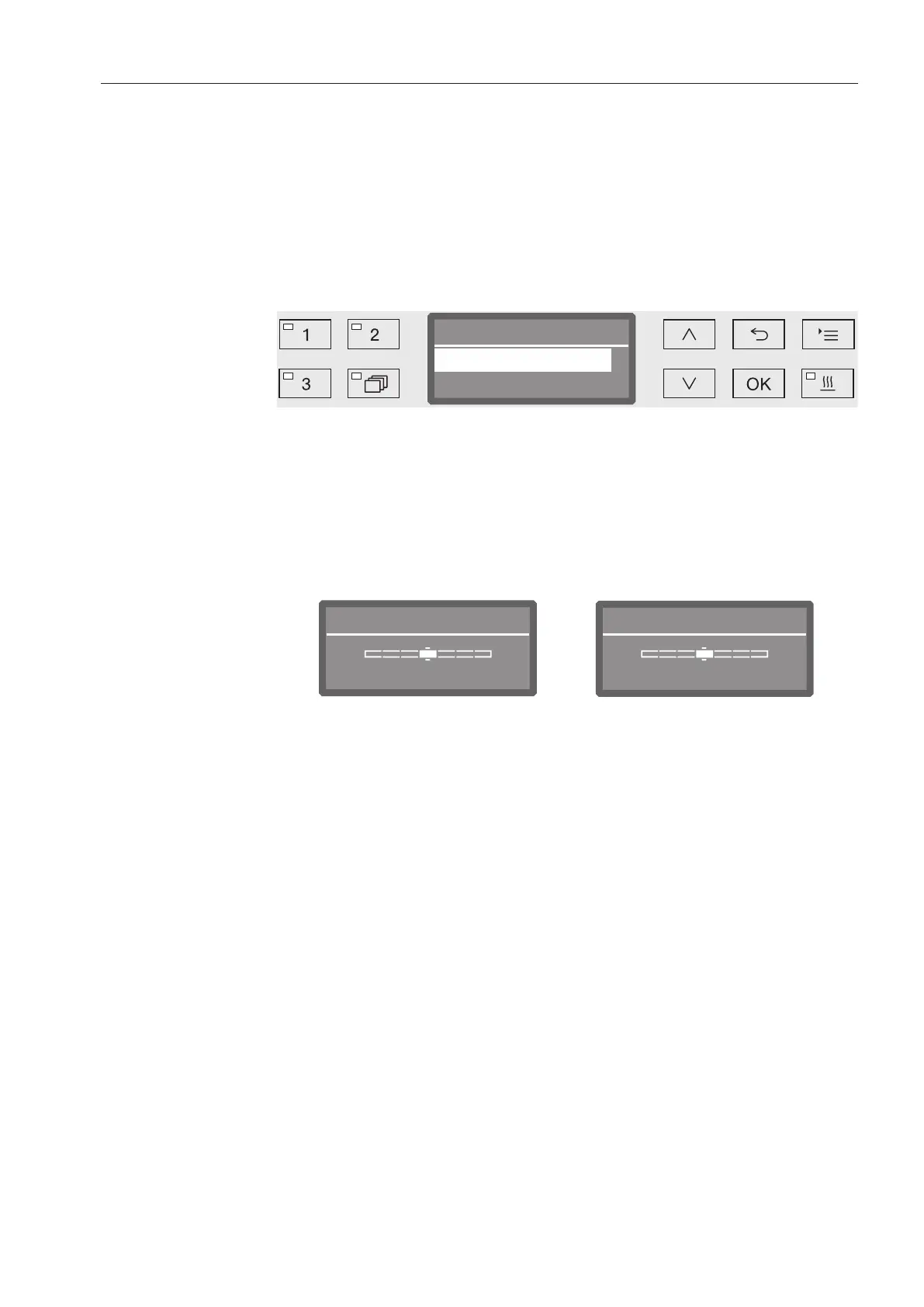
You can use this menu to adjust the brightness and contrast of the
display.
Open the menu as follows:
Button
Additional settings
Display
Display
Brightness
Contrast
- Contrast
Set the contrast.
- Brightness
Set the brightness.
Select an option using the and arrow buttons.
Confirm your selection with OK.
Brightness
BrighterDarker
Contrast
Lower Higher
Contrast and brightness are shown as a bar chart in the display.
Use the arrow buttons (Higher/Brighter) and (Lower/Darker) to
set the brightness and contrast you want.
Press OK to save the setting.



 To Next Page