Guide to the machine
11
LEDs in the buttons
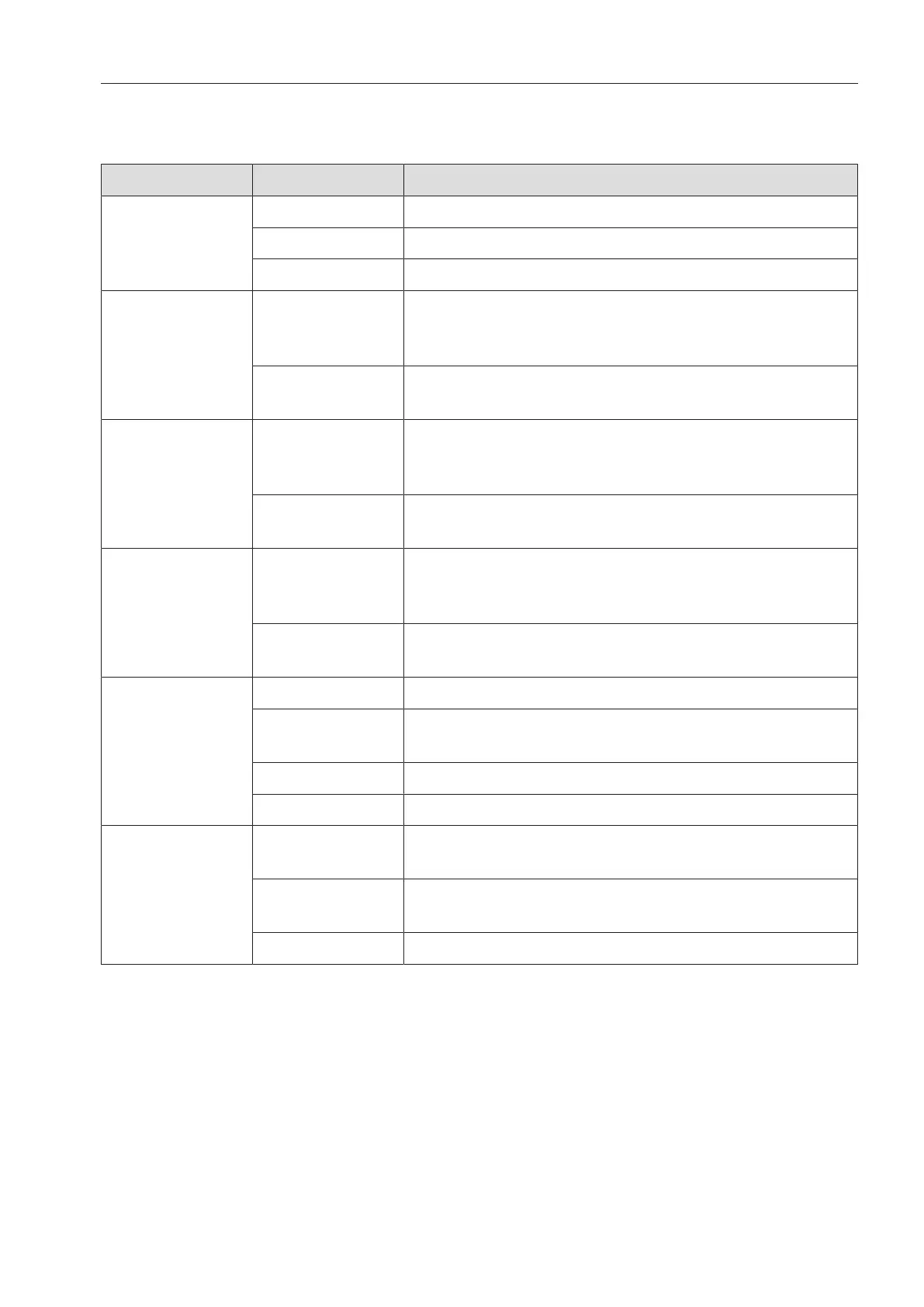
The buttons on the control panel have LEDs. These indicate the status of the machine.
Button LED Status
button ON The machine is switched on.
FLASHES The machine is ready for use.
OFF The machine is switched off.
, , and
program
selection
buttons
ON The respective program has been selected. At the
end of the program, the LED will remain lit until a
different program is selected.
OFF The program is not selected or the program settings
are being changed.
button ON A program has been selected from the program list.
At the end of the program, the LED will remain lit
until a different program is selected.
OFF No program has been selected from the list or the
program settings are being changed.
button ON The additional “Drying” function has been activated
for the selected program (not available for all
programs, see “Program charts”).
OFF The additional “Drying” function has been
deactivated.
Start/Stop
button
ON A program is running.
FLASHES
GREEN
A program has been selected, but not yet started.
FLASHES RED A fault has occurred (see “Problem solving guide”).
OFF A program has finished.
button ON The door is closed (locked) and there is no program
running.
FLASHES A program has finished and the door is closed
(locked).
OFF A program is running or the door is open (unlocked).



 To Next Page