After sales service
136
Software version
When contacting Miele Professional Service you may need the
version number of individual components of control software. These
can be called up as follows:
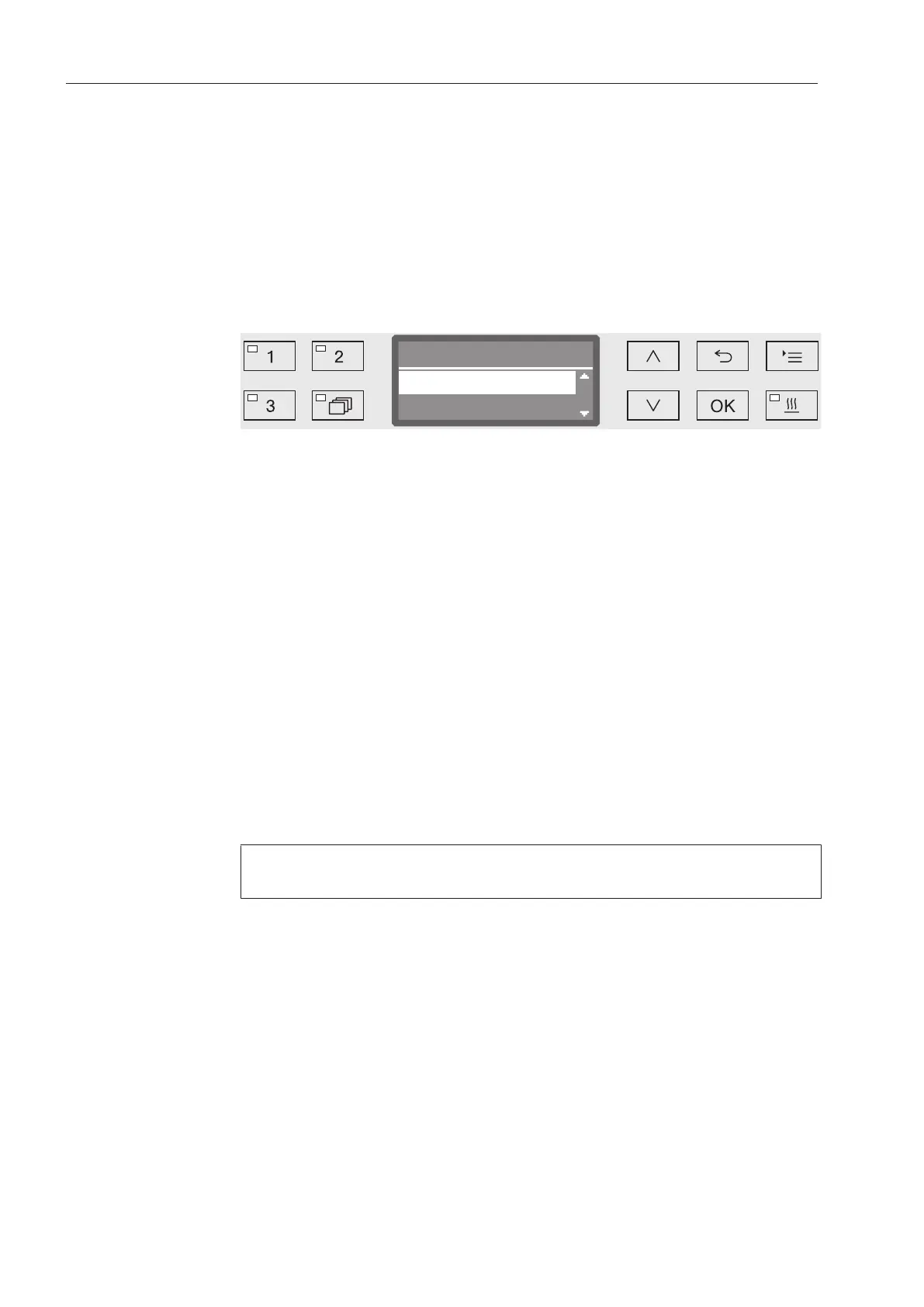
Open the menu as follows:
Button
Additional settings
Software version
Software version
EB Id: XXXXX
EGL Id: XXXXX
The software units are listed on the display. XXXXX stands for the
relevant version number:
- EB ID: XXXXX
Software version of the control and display units in the control
panel.
- EGL ID: XXXXX
Software version of the control board.
- EZL ID: XXXXX
Software version of the relay board.
- EFU ID: XXXXX
Software version of the frequency converter.
- LNG ID: XXXXX
Language package version.
You cannot change any settings in this menu.
Software updates and upgrades may only be undertaken by Miele
Service.
Exit the menu with the OK or buttons.



 To Next Page