Additional settings
82
Moving a program: allocating program selection
buttons
You can sort the program selection list to suit your requirements and
therefore also allocate the program selection buttons , and
.
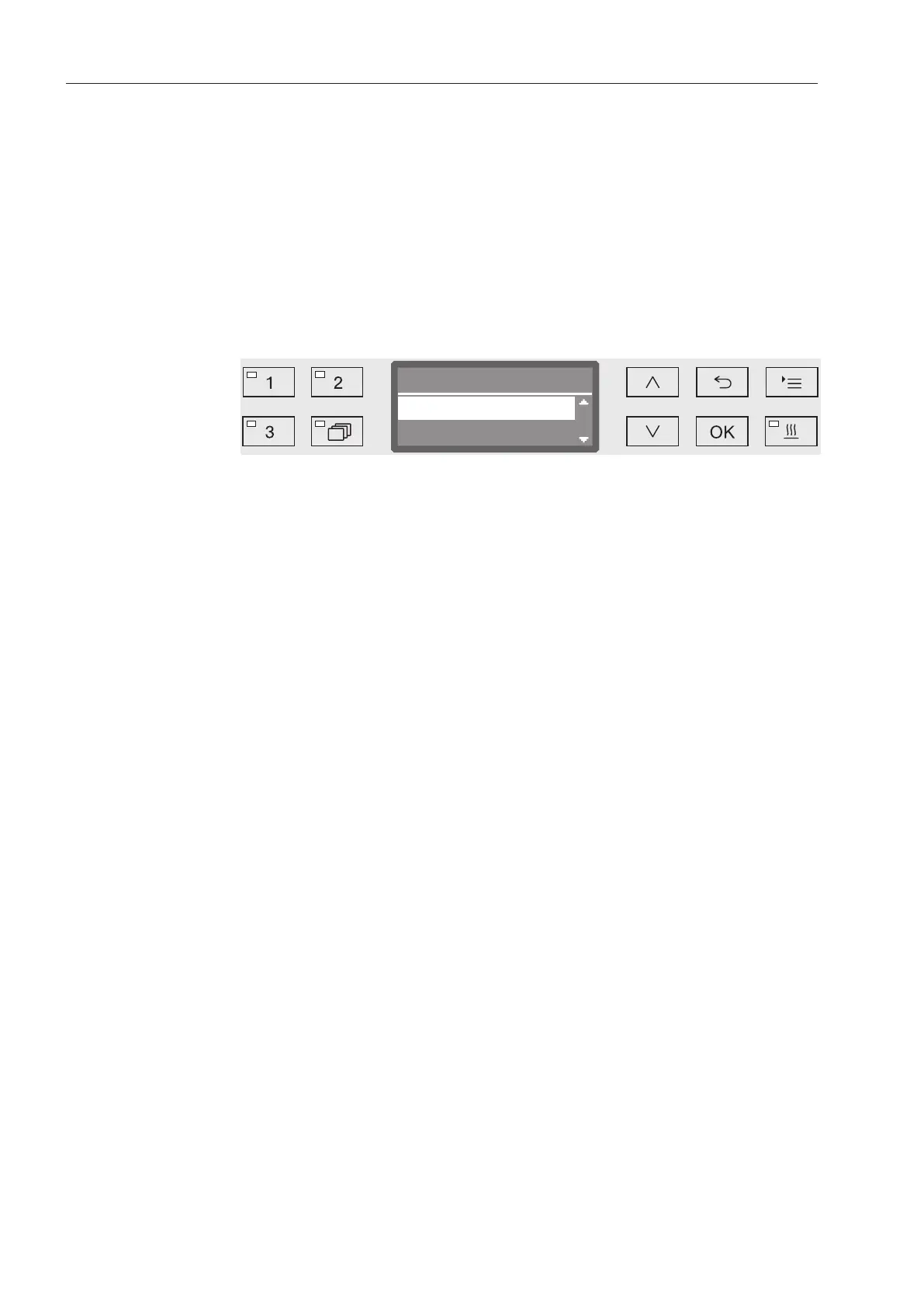
Open the menu as follows:
Button
Additional settings
Move program
Move program
Rinse
Vario TD Dental1.
2.
All enabled programs are shown in the program list (see “Further
settings/Enabling programs”). A program's position in the program list
is the determining factor for assigning the program selection buttons.
Programs are numbered from 1-n. The first three programs in the list
are assigned to the program selection buttons; for example:
- 1. Vario TD Dental on program selection button
- 2. Rinse on program selection button
- 3. Drain on program selection button
- 4. Vario TD Intensive
- etc.
Use the and arrow buttons to select the program you would
like to move.
Confirm your selection with OK.
Now you can move this program within the list.
Use the and arrow buttons to move the program to the
position you want.
Press OK to save the program to the selected position.
The program which was previously saved to this position and all
subsequent programs are moved down by one position.
The process can be repeated as often as you wish.
Press the button to exit the menu.



 To Next Page