Additional settings
76
Date
The date is required e.g. for process documentation. The date format
and the current date have to be set.
Select the date
format
The selected date format appears in the display and in the process
documentation.
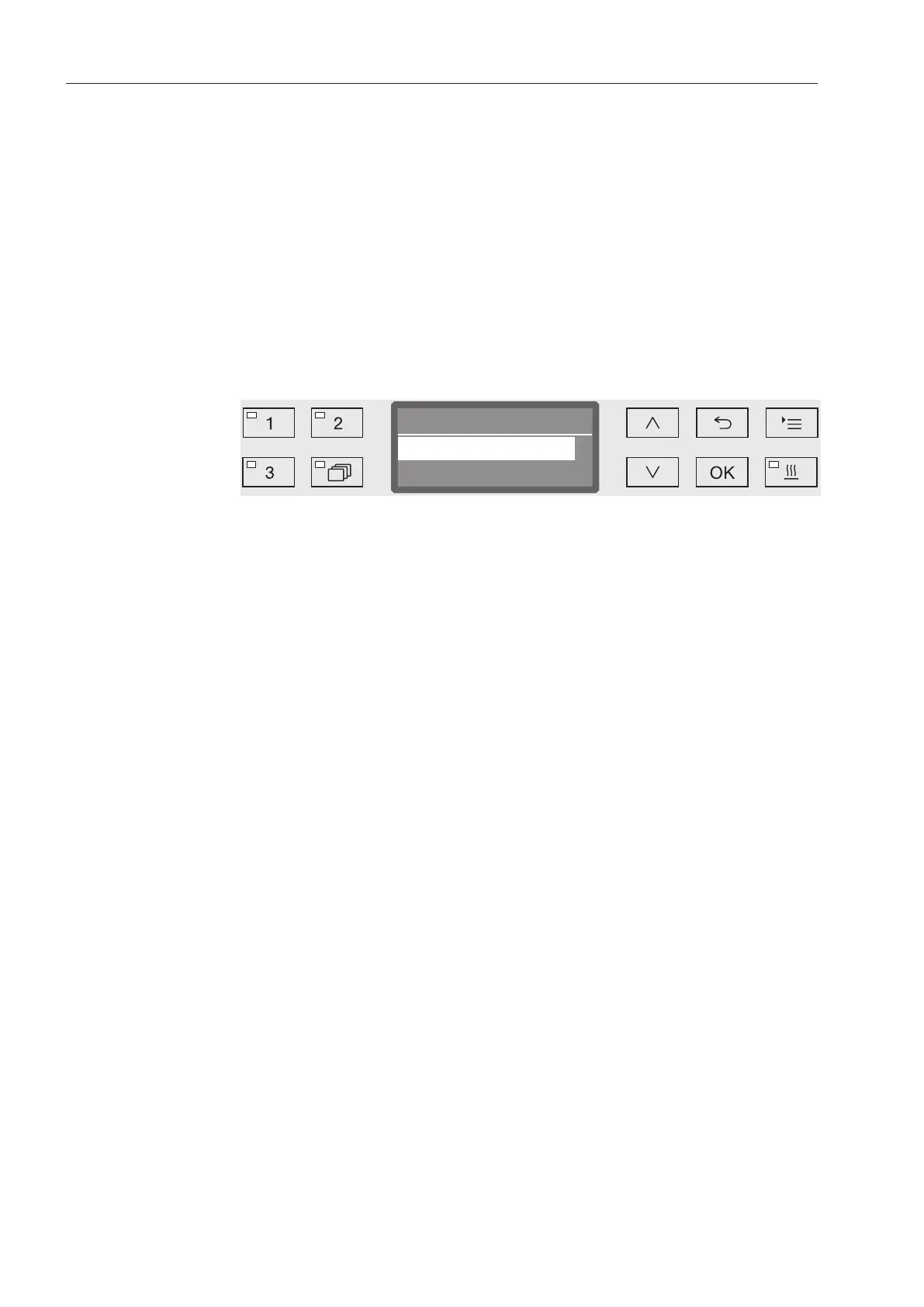
Open the menu as follows:
Button
Additional settings
Date
Date format
Date format
DD:MM:YY
MM:DD:YY
- DD = Day
- MM = Month, and
- YY = Year.
Use the and arrow buttons to select the date format you want.
Press OK to save the setting.



 To Next Page