Additional settings
79
Report
You can choose between two different report formats of process
reports for the purpose of archiving.
More information on selecting these can be found in “Process
documentation”.
Temperature unit
During a program the temperature display is refreshed every 2 to 5
seconds depending on the program stage. The temperature can be
displayed in degrees Celsius (°C) or Fahrenheit (°F).
The temperature unit is set at the factory to °C.
If the temperature unit is changed to °F, the temperature displayed is
automatically recalculated.
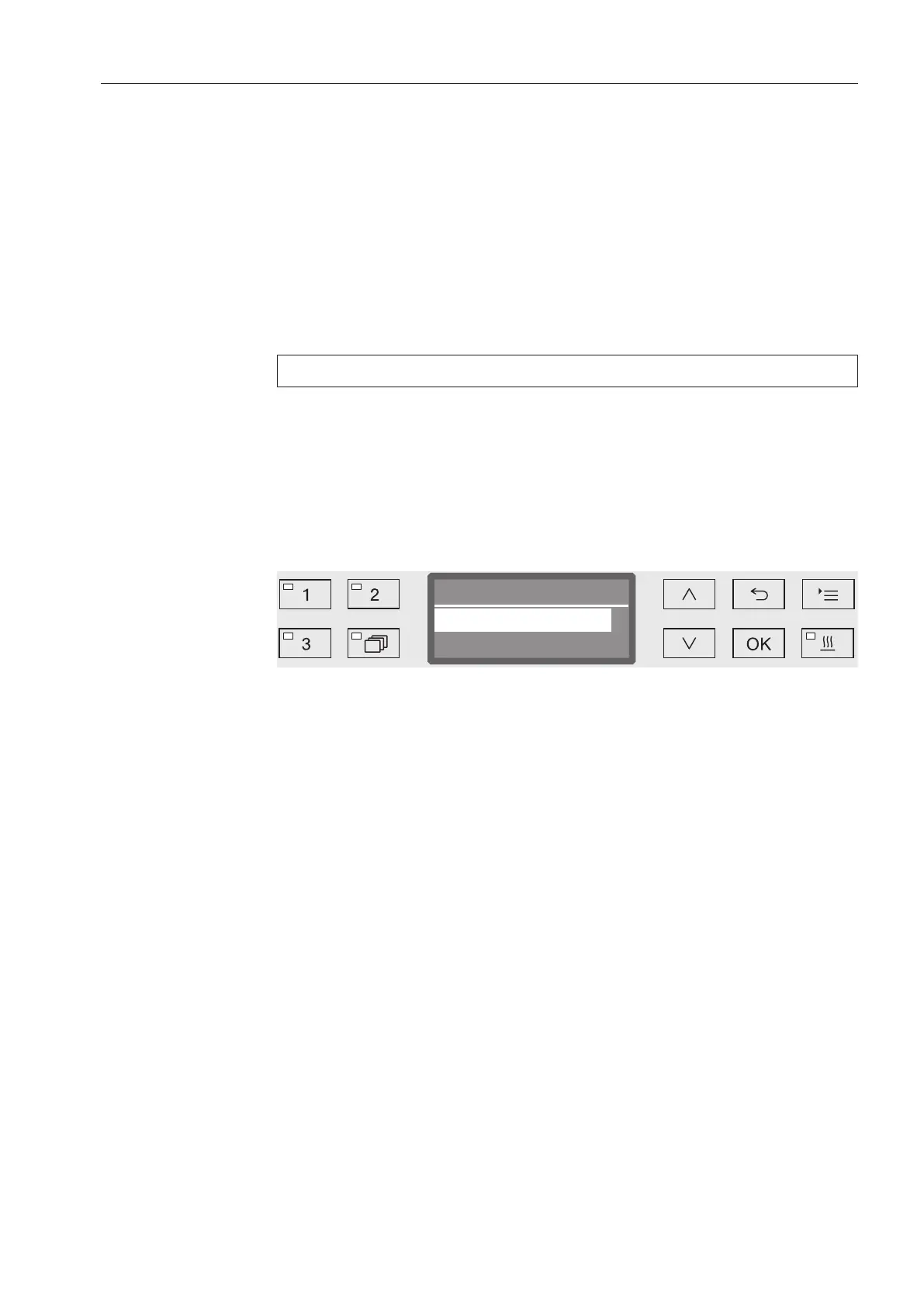
Open the menu as follows:
Button
Additional settings
Temperature unit
- °C
Display temperature in degrees Celsius.
- °F
Display temperature in degrees Fahrenheit.
Select an option using the and arrow buttons.
Press OK to save the setting.
Program settings
You can use this menu to customize the current program to suit
technical requirements and the load items or to reset all programs to
the factory default settings.
Additional specialist knowledge is required to alter program settings
and this should therefore be undertaken only by experienced users or
by Miele Service.
More information can be found in “Program settings”.



 To Next Page