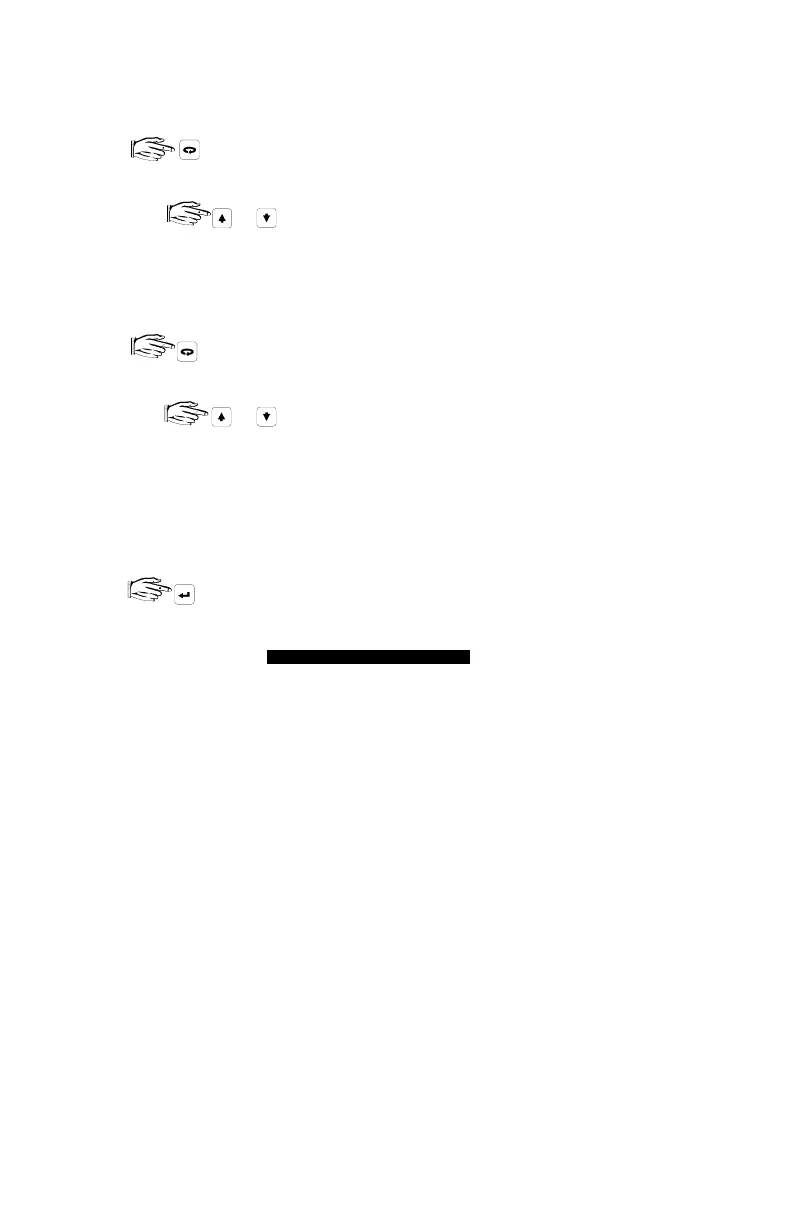
PARAMETER VALUE ALTERATION
In the program mode...
1. to underline the Parameter Number display field and...
a) key in the desired Parameter Number, (
direct access
) or...
b) as required (
scroll access
).
(As preset, only Quick Start and altered parameters may be scroll accessed).
2. If the Point Number field is not displayed, proceed to step 3. Otherwise...
to underline the Point Number display field and...
a) key in the desired Point Number, (
direct access
) or...
b) as required, (
scroll access
).
To alter all Point Numbers at once, select Point Number 00.
3. With the Parameter Number (and Point Number if applicable) displayed...
key in the desired Parameter Value and,
Record Parameter Value alterations on the appropriate
PROGRAMMING CHA
If Parameter Value alteration is not permitted, access the Lock parameter (P000)
and enter the security code, (see Programming Security).
or
or
PROGRAMMING CHARTS
PL-507 30



 To Next Page