Chapter 3 Settings
3-17
1
2
3
4
5
6
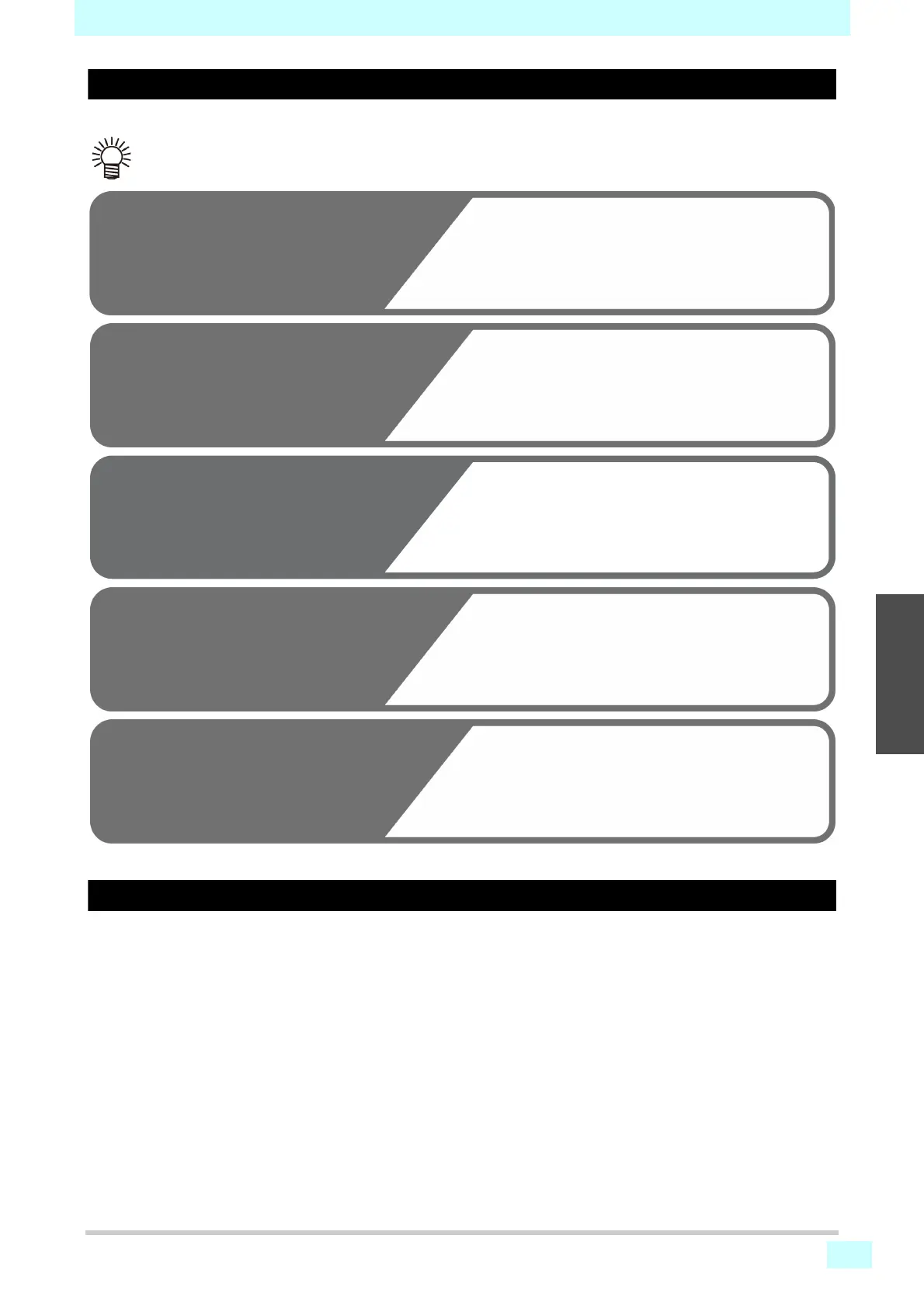
Nozzle check flow during printing
Nozzles are checked in the following sequence when printing begins.
Printing operations when nozzle clogging is determined or errors occur
Nozzle clogging is determined Printing is stopped.
Errors during nozzle checking Printing is stopped and [Printing Check] is automatically
turned OFF. After error recovery, set up [Printing Check]
again.
• To enable, set [Printing Check] to ON.
• Retry and auto nozzle recovery are available when this setting is enabled.
1
Nozzle check Judgment
2
3
Nozzle recovery Nozzle
check Judgment
4
Retry Judgment
Auto nozzle recovery
Judgment
Nozzle clogging are detected.
If checking indicates that the number of clogged
nozzles exceeds the [Judgment Condition]
setting, the nozzles are cleaned and rechecked.
5
Nozzle clogging detection
If the last step indicates more clogged nozzles
than set in [Judgment Condition], the machine
determines that printing cannot be continued and
stops printing.
If more clogged nozzles than set in [Judgment
Condition] are detected after nozzle recovery,
recovery is repeated.
• To enable, set [RETRY COUNT] to 1 or more.
Nozzle recovery is automatically performed after
nozzle checking and recovery operations.
• To enable, set [AUTO NOZZLE RECOVERY] to ON.












 To Next Page