Chapter 5 Troubleshooting
5-6
Error messages
Respond to error messages as follows.
If the message is displayed again despite the measures you have taken, contact your dealer, or our sales office or call
center.
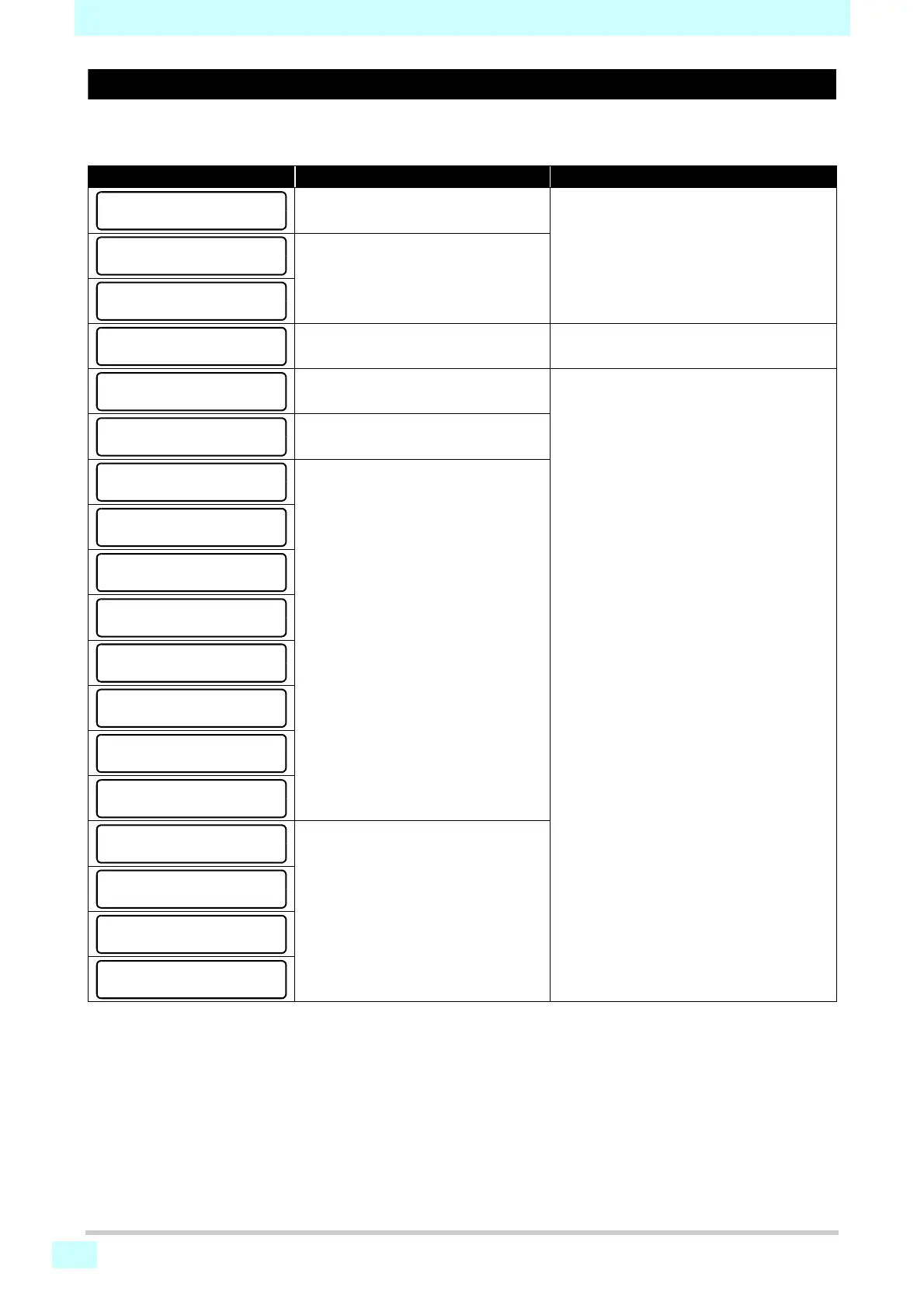
Message Cause Corrective action
An SDRAM error occurred.
• Temporarily turn off the main power supply,
and then turn it on again.
If the message appears again, contact your
dealer, or our sales office or call center.
A head control PCB error occurred.
The machine has detected that the inter-
nal clock battery is depleted.
• Contact your dealer, or our sales office or
call center.
Head data transfer error.
• Temporarily turn off the main power supply,
and then turn it on again.
If the message appears again, contact your
dealer, or our sales office or call center.
Event log sequential number error.
An error occurred in the power supply
system of the main PCB.
Printing waveform error detected.
ERROR 129
BATTERY EXCHANGE
ERROR 171
NEW HEAD CONNECT











 To Next Page