4-17
1
2
2
4
5
6
Chapter 4 Maintenance
3
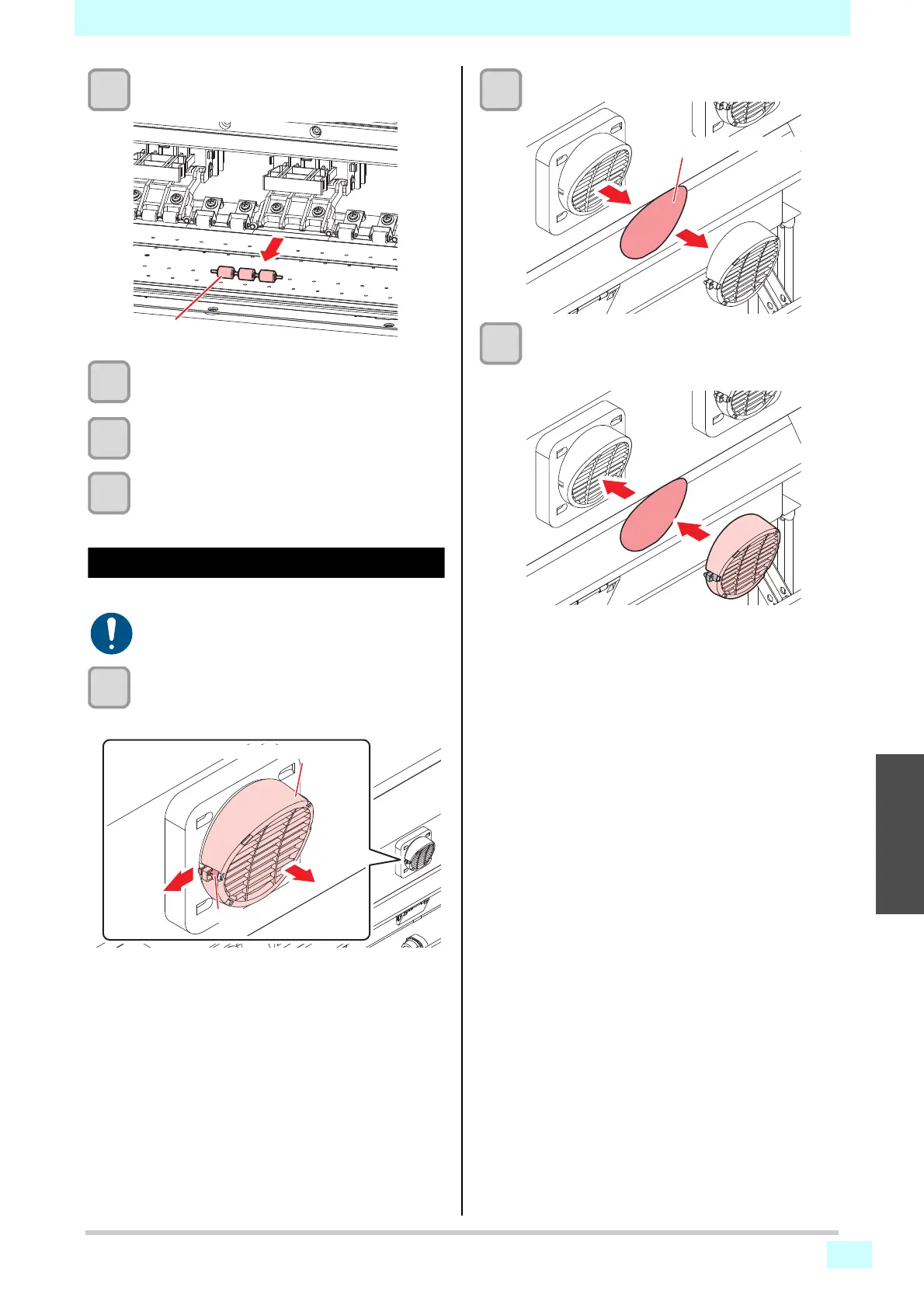
Remove the pinch rollers.
4
Replace the O-rings and pinch rollers.
5
Attach the pinch rollers and secure them
with the O-rings.
6
Turn the power on.
Replacing fan filters
Replace the blowing fan filter if it is dirty.
1
Remove the fan filter cover.
• Push the fan filter cover claw outward, and pull
the cover to the front.
2
Remove the filter.
3
Mount a new filter, along with the fan filter
cover.
• Push in the fan filter cover until the tab clicks.
• Turn off the main power supply and unplug the
power cable before carrying out maintenance.











 To Next Page