Chapter 5 Troubleshooting
5-2
Troubleshooting
Double-check the following points if you suspect mechanical failure. If the corrective action does not resolve the problem,
contact your dealer, or our sales office or call center.
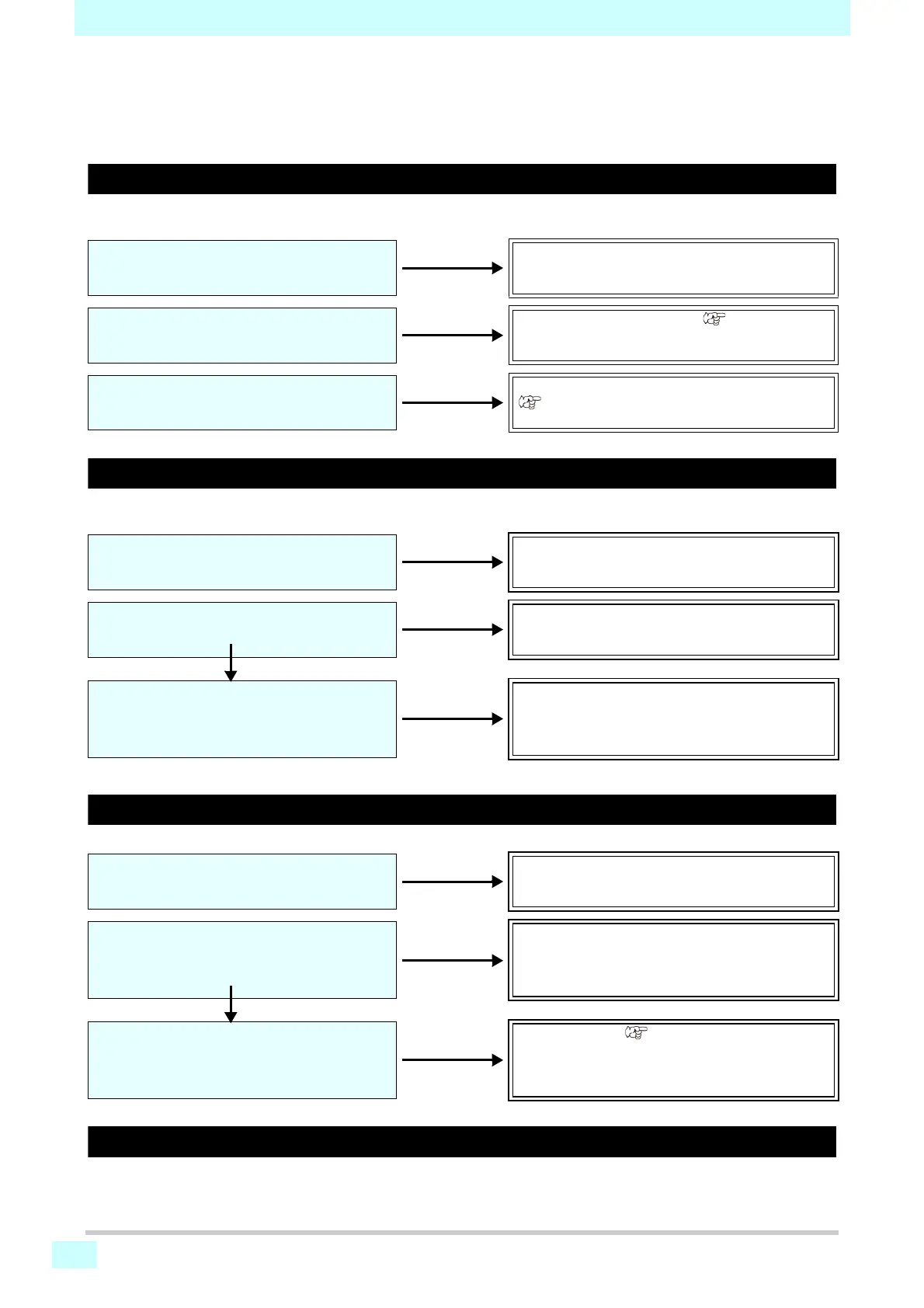
Power does not turn on
This is usually due to incorrect connection of the power cable for the machine or computer. Confirm that the equipment is
connected correctly.
Printing is not possible
This occurs when data is not transmitted to the machine correctly. It may also occur when printing functions are not
working correctly or media is not loaded correctly.
Media jams or is dirty
Media jamming or becoming dirty may be due to using unsuitable media or loading it incorrectly.
Heater temperature does not rise to the set level
Check basic machine operations.
Is the power cable connected to the machine
and a power outlet?
Securely connect the power cable.
Is the main power supply turned on?
Turn on the main power supply ( P.2-3).
Is the power switch on the front of the
machine set to ON?
Turn on the power switch on the front of the machine
( P.2-3).
Is the correct interface cable used?
Use the cable designed for the machine.
Is the interface cable connected correctly?
Securely connect the interface cable.
Yes
Is a message displayed indicating that ink
has run out?
Replace with new ink cartridges.
Is recommended media used?
Use recommended media.
Are you sure the media is not curled, or that
the edges are not folded?
Do not use curled media or media with folded edges.
Yes
Is the media hanging down along the platen?
Reload the media. P.2-4












 To Next Page