Customizing the Analyzer Software
5-35
5.12.2 Muting the Beeper
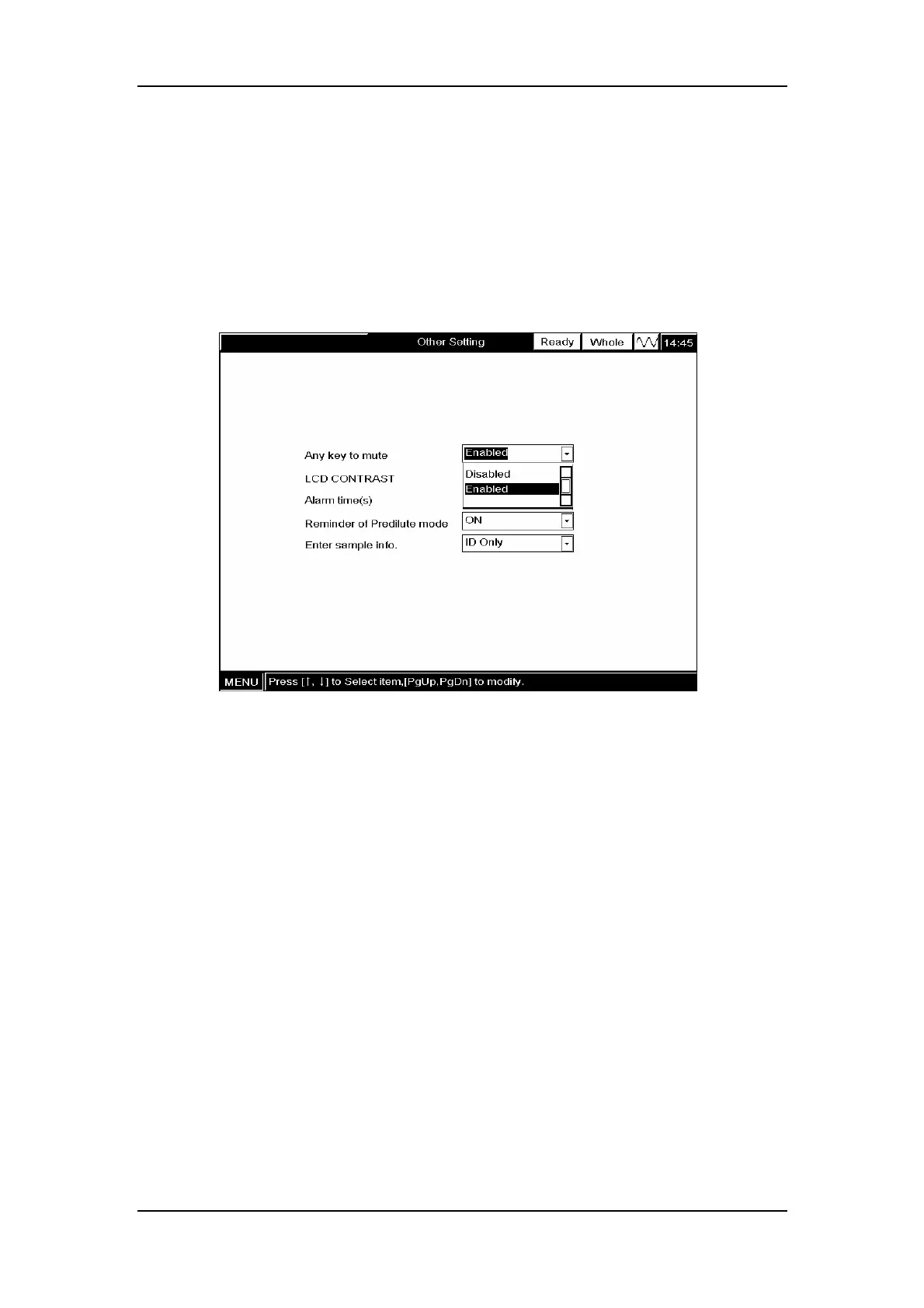
The analyzer beeps when an error is present. You can mute the beeper by pressing any key
(except for the aspirate key), as long as the ”Any key to mute” function is enabled. To enable
(or disable) the function, SELECT ”ON” (or ” OFF”) from the ”Any key to mute” pull-down
list, as Figure 5-47 shows. Note that if you have disabled the ”Any key to mute” function, the
analyzer will keep beeping for the pre-set alarm time or until the error is removed.
Figure 5-47 Enabling/disabling “Any key to mute” function
5.12.3 Setting LCD contrast
The analyzer divides the LCD contrast into 256 levels (level 0 - level 255) and the higher the
level, the higher the contrast. To select a desired LCD contrast level, ENTER the desired
number into the ”LCD Contrast” box(Figure 5-48)



 To Next Page