Customizing the Analyzer Software
5-36
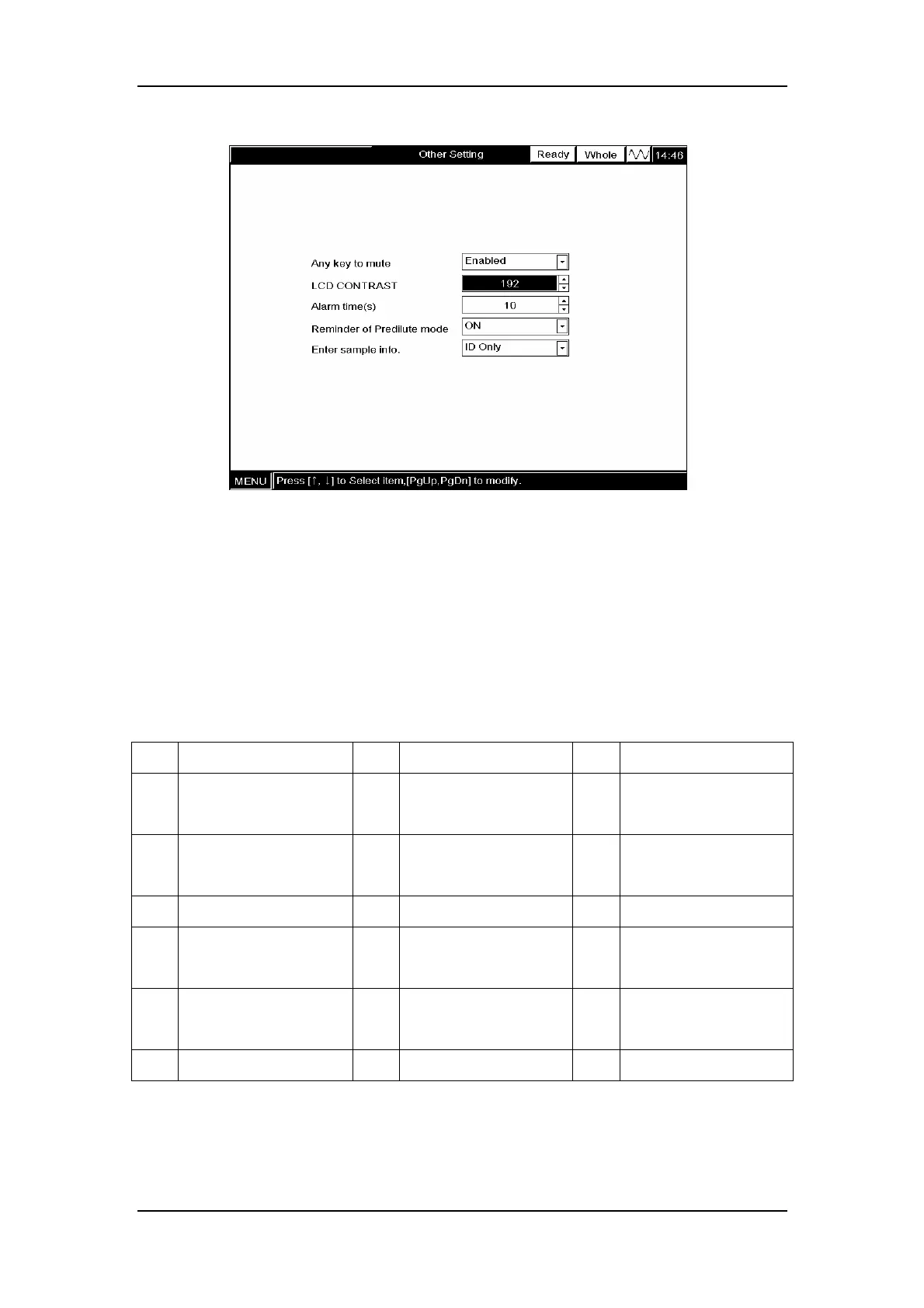
Figure 5-48 Selecting LCD contrast
5.12.4 Setting alarm time for error messages
The alarm time of the errors listed in Table 5-3 can be set to 2 - 120 seconds. When the
pre-set alarm times out, both the alarm sound and the corresponding error message will
disappear.
Table 5-3 Errors with adjustable display time
No. Error No. Error No. Error
1 Communication error 2 Scanner error 3 Scanner
communication error
4 Ambient temperature
abnormal
5 Background abnormal 6 HGB error
7 HGB adjust 8 WBC clog 9 WBC bubble
10 RBC Clog 11 RBC bubble 12 Printer connection
error
13 Printer out of paper 14 Recorder too hot 15 Recorder
communication error
16 Press bar up 17 Recorder out of paper
To set the display time, ENTER the desired time into the “Alarm time (s)” box.



 To Next Page