Operating Your Analyzer
6-19
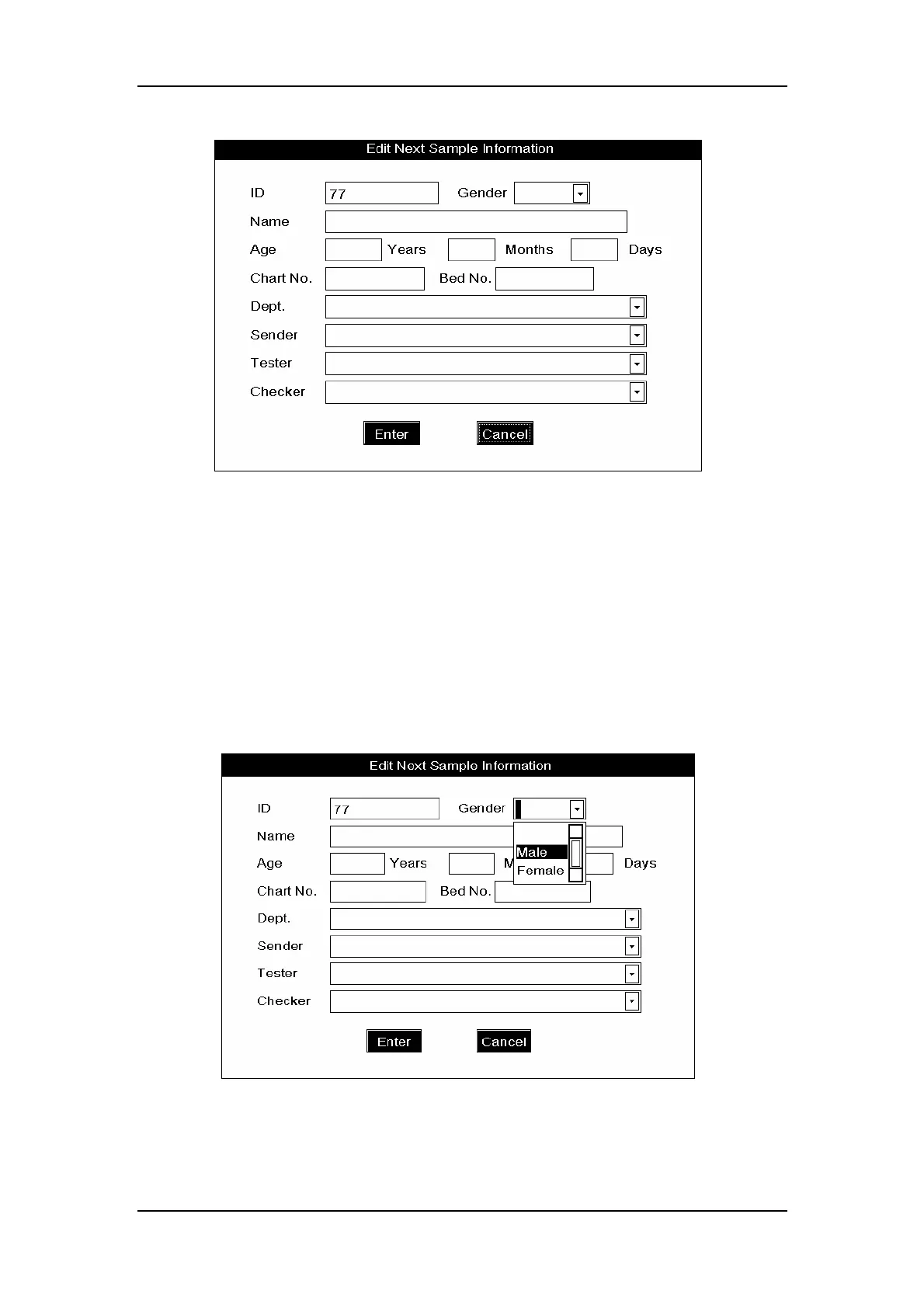
Figure6-14 Entering all sample information
Entering sample ID
ENTER the ID number in the “ID” box, or if you have the bar-code scanner installed, you
can simply scan the sample ID into the analyzer.
Selecting patient gender
SELECT
the desired item
from the “Gender” pull-down list
,
as Figure6-15 shows.
Note that you can select blank in case you are not aware of the patient gender.
Figure6-15 How to select the patient gender



 To Next Page