Operating Your Analyzer
6-21
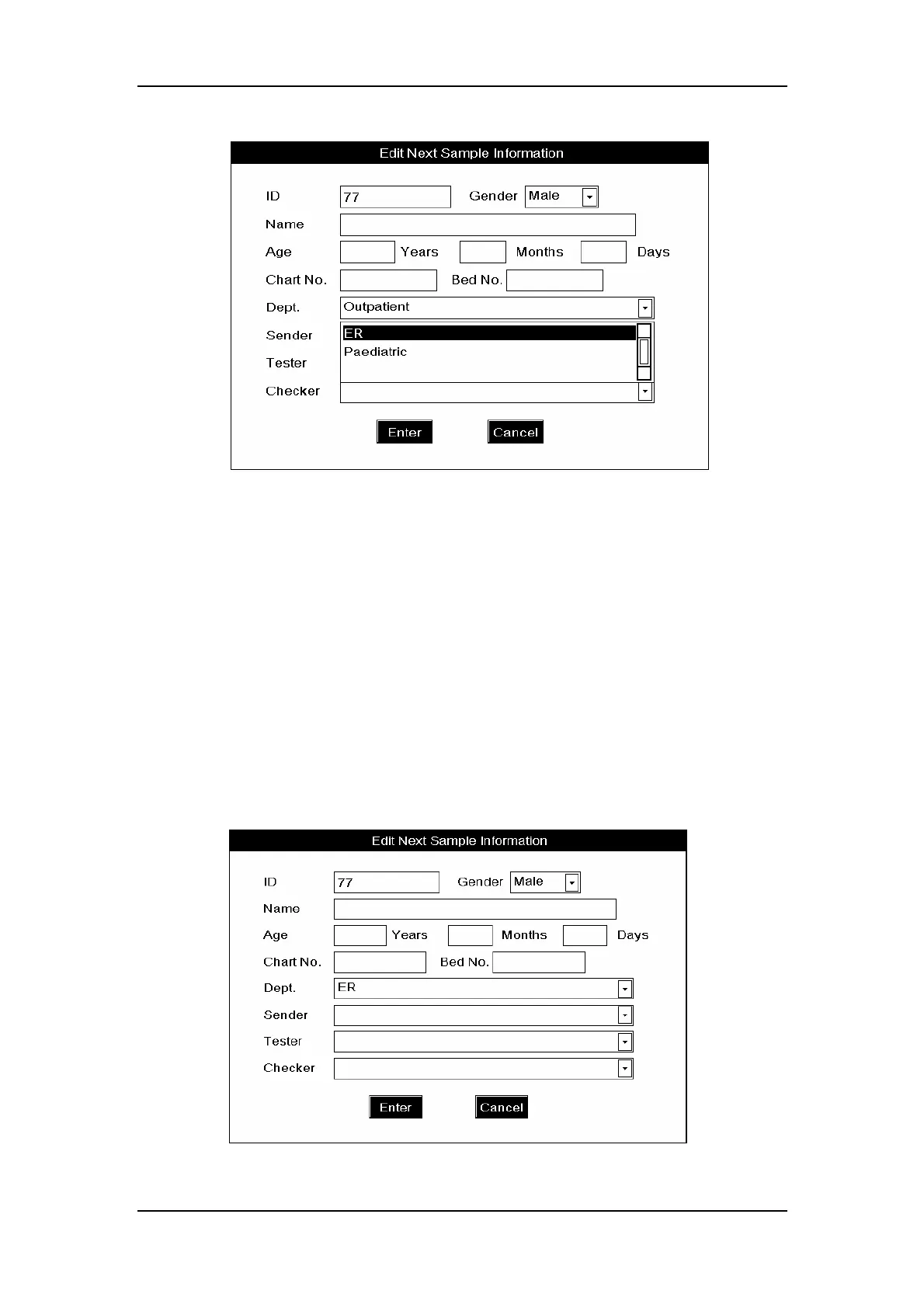
Figure6-16 How to select department name from the pull-down list
Entering the names of the sender, tester and reviewer
To enter the name of the person who sent the sample for analysis, enter the name into the
“Sender” box or SELECT the desired name from the “Sender” pull-down list (if there are
previously saved names in the list, as Figure6-17
shows) ; to enter the name of the person
who is to run (or has run) the sample, enter the name into the “Tester” box or SELECT the
desired name from the “Tester” pull-down list (if there are previously saved names in the
list
) ; to enter the name of the person who is to review the sample results, enter the name into
the “Reviewer” box, or SELECT the desired name from the “Reviewer” pull-down list (if
there are previously saved names in the list
). All the three pull-down lists are capable of
saving 30 entered names.
Figure6-17 Entering names of the sender, tester and reviewer



 To Next Page