Operating Your Analyzer
6-22
“Enter” button
When you have finished entering the all the interested sample information, CLICK
the
“Enter” button to save the changes and return to the “Count” screen.
“Cancel” button
If you do not want to save the entered information, CLICK
the “Cancel” button to return to
the ”Count” screen without saving the changes.
ID Only
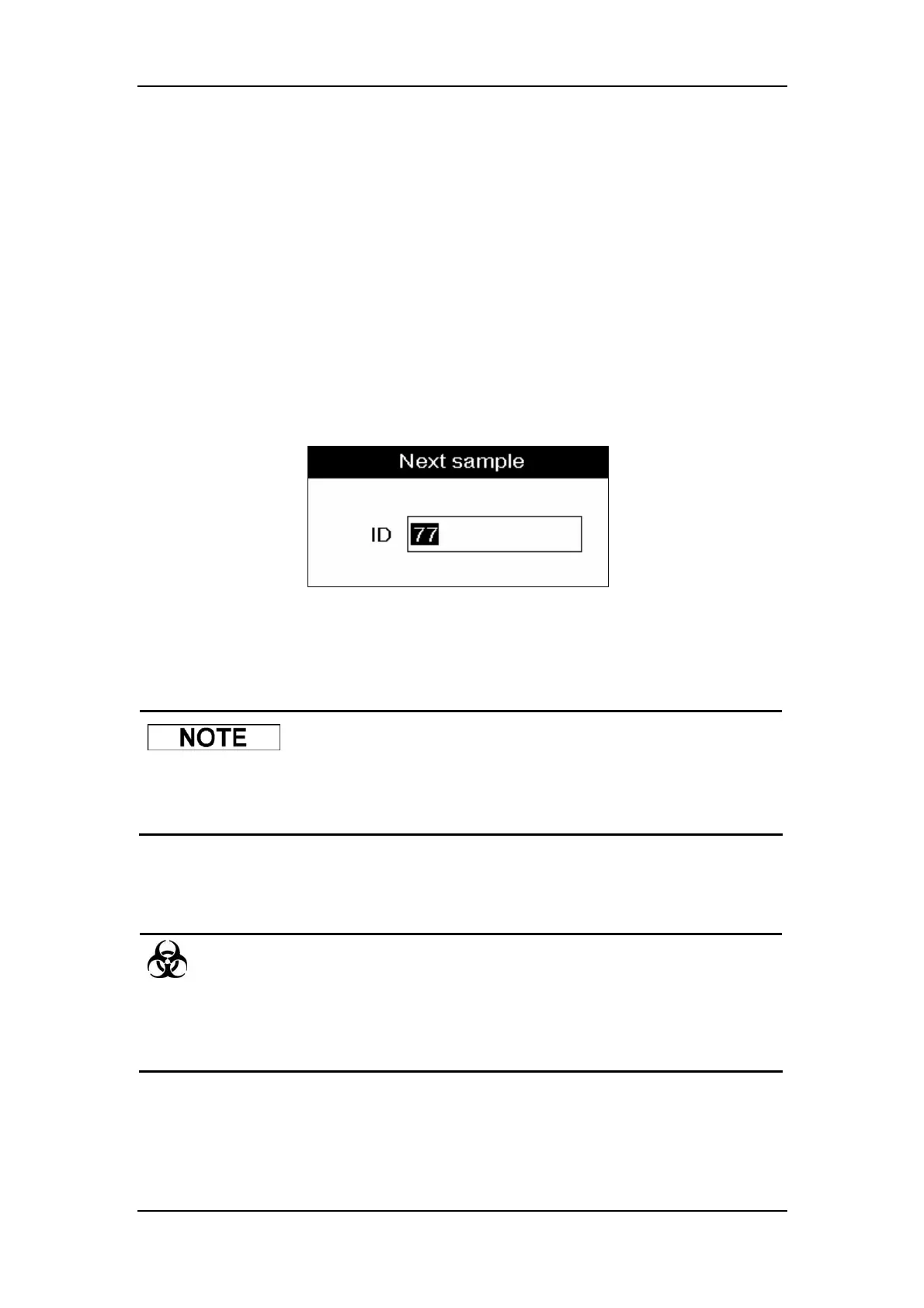
At the ”Count” screen, press [ID] and an ID window will pop up, as Figure6-18 shows.
Figure6-18 ID window
ENTER
the sample ID into the ID box and press [ENTER] to save the changes and close the
window.
z If you intend to do the background check instead of a patient sample, enter
“0” into the “ID” box.
6.7.2 Running the Samples
z Samples, controls, calibrators and waste are potentially infectious. Wear
proper personal protective equipment (e.g. gloves, lab coat, etc.) and follow
safe laboratory procedures when handling them in the laboratory.



 To Next Page