Reviewing Sample Results
7-8
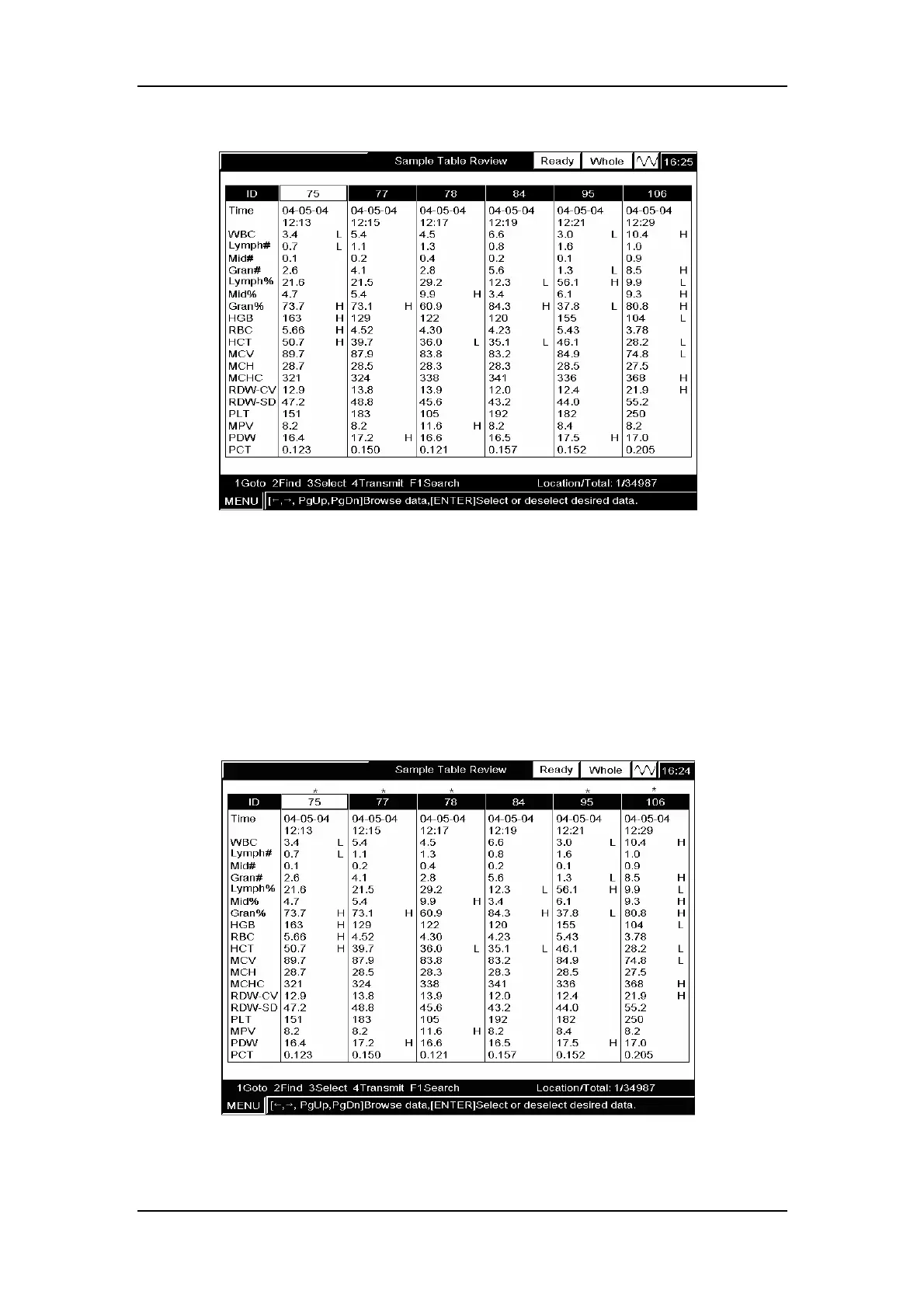
will disappear, as Figure7-12 shows.
Figure7-12 Reviewing the deselected results
Example3: To select the sample results of locations 1 to 5 and 7 to 8, follow the procedure
below to do so:
1. Select the sample results of locations 1 to 3 as instructed in steps 1 to 5 of Example1;
2. Select the sample results of locations 5 to 6 as instructed in steps 1 to 5 of Example1;
3. CLICK “Quit” to return to the “Sample Table Review” screen. The selected sample
results will be marked with “*”, as Figure7-13 shows.
Figure7-13 Reviewing the selected results



 To Next Page