Reviewing Sample Results
7-22
Figure7-34 Deselecting a patient result
Selecting/deselecting multiple sample results
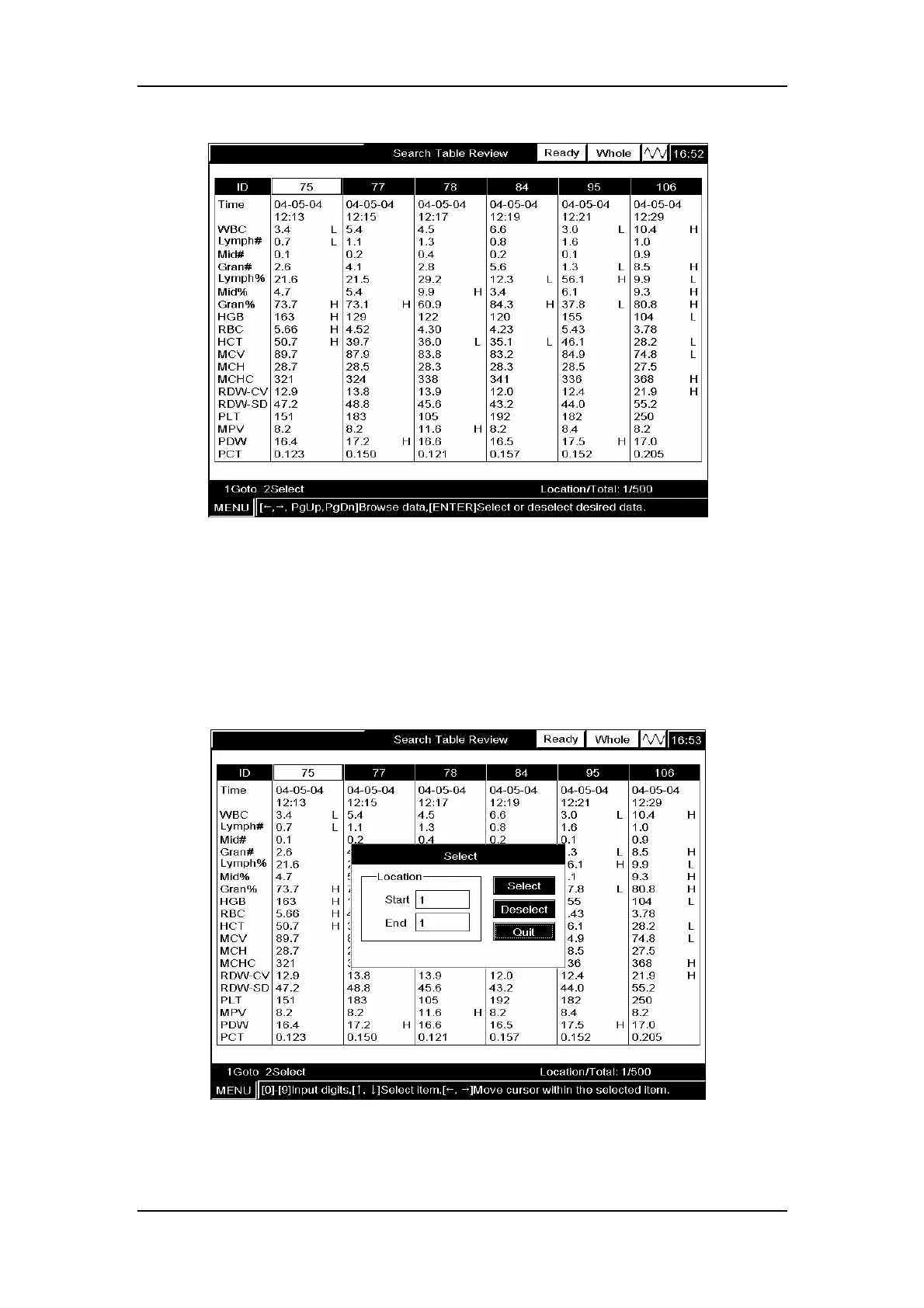
Example 6:To select the sample results of locations 1 – 5 (sample ID: 75, 77, 78, 84, 95, 106
in Figure7-35), follow the procedure below to do so:
1. Press [3] to enter the “Select” window, as Figure7-35 shows;
Figure7-35 Entering the “Select” window
2. ENTER the start position (“1”) into the “Start” box;



 To Next Page