Using the QC Programs
8-41
ENTER the expected results (mean) and limits (range) respectively into the “Mean” box and
“Range” boxes of the parameters to be included in the QC run.
Deleting settings
Press [DEL] to delete all the settings.
Printing settings
Press [Print] to print out all the settings.
Exiting the “Limit” screen
Press [MENU] (or [MAIN] if you want to go directly to the “Count” screen) to exit the “Limit”
screen.
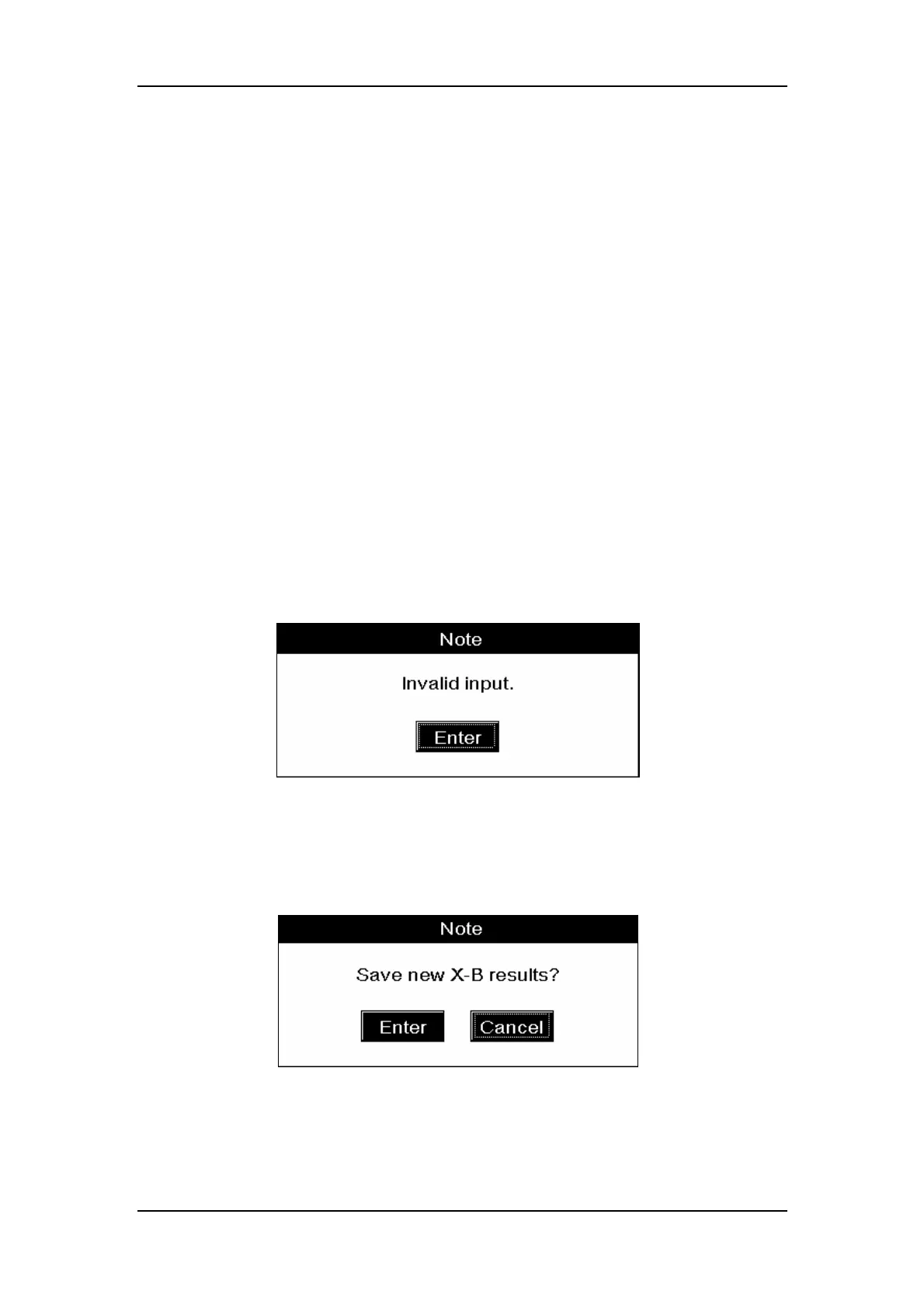
A message box shown in Figure8-49 will pop up, if :
There is a paremter for which you have entered only the expected result or the limit;
or
There is a parameter whose expected result is less than or equal to the limit.
Figure8-49 An “Invalid input” message box
CLICK
“Enter” to save the changes and exit to the system menu (or the “Count” screen);
CLICK “Cancel” to abort the changes and exit to the system menu (or the “Count” screen).
Figure8-50 A message box to save the changes



 To Next Page