Using the Calibration Programs
9-5
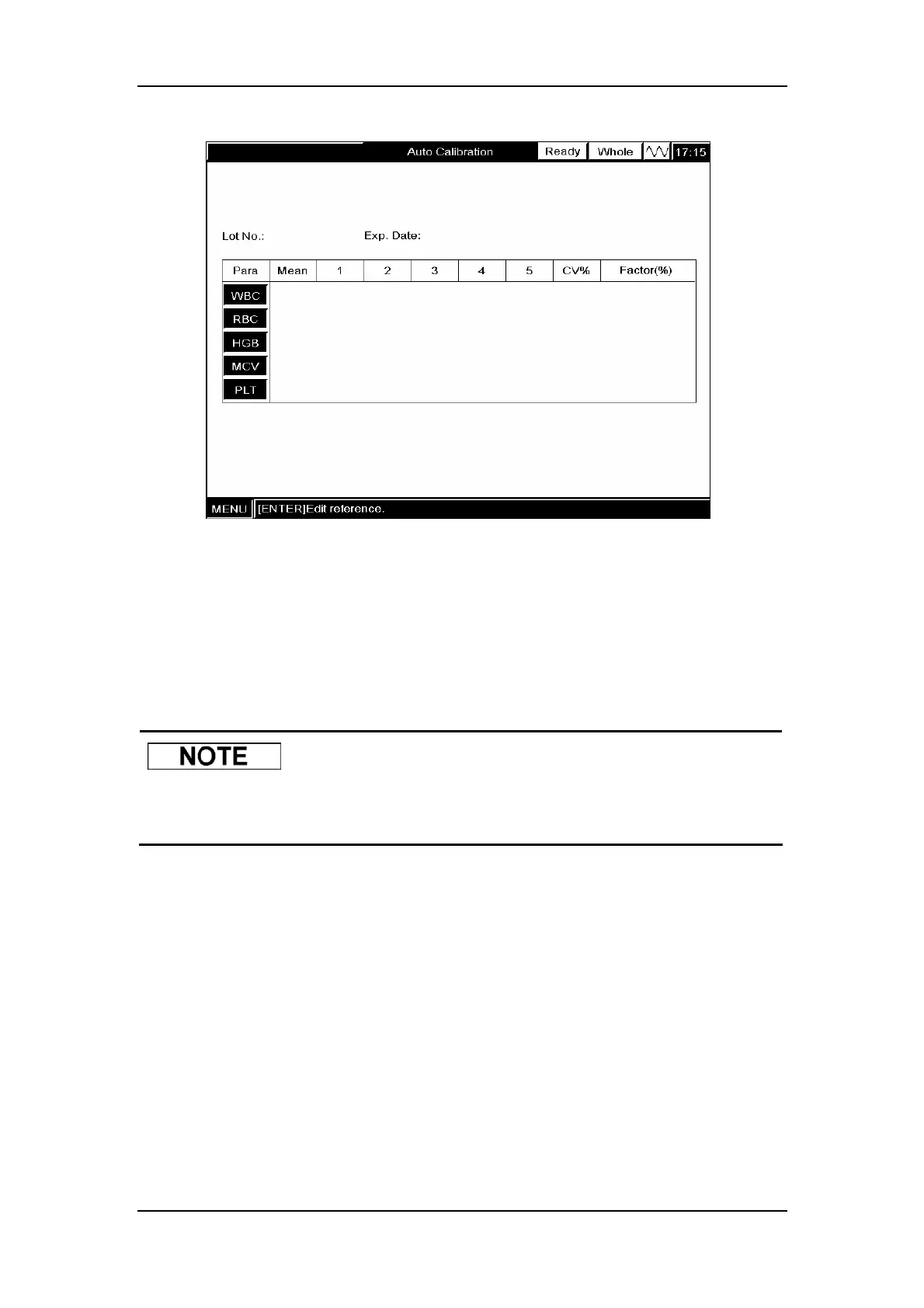
Figure9-2 “Auto Calibration” screen
Selecting the count mode
Press [MENU] and SELECT ”Mode” to enter the ”Mode” screen.
SELECT “Whole Blood” or “Predilute” from the “Sample Mode” pull-down list.
Press [MENU] and SELECT ”Count” to enter the ”Count” screen.
z When switching from the predilute mode to the whole blood mode, the
analyzer will automatically wash the fluidic system.
Editing calibration settings
Press [ENTER] to activate the edit boxes.
Entering lot number
ENTER the lot number of the calibrator to be used into the “Lot No.” box.
Entering Exp. Date
ENTER the expiration date of the calibrator to be used into the “Exp. Date” box.
Entering the expected results (mean) and limits (range)
ENTER the expected results (mean) and limits (range) respectively into the “Mean” and
“Range” boxes of the parameters to be included in the calibration.



 To Next Page