Using the Calibration Programs
9-7
In the whole blood mode:
1. Be sure the System Status area displays “Ready“ and Count Mode area displays
“Whole“;
2. Present a vial of mixed calibrator to the sample probe so that the tip is well into the tube,
and press the aspirate key. The System Status area will display “Running” and the
analyzer will start aspirating sample;
3. When you hear the beep and the sample probe is out of the vial, remove the calibrator.
The sample probe will retract into the analyzer and the analysis progress will be
displayed on the screen;
4. When the analysis is finished, the result will be displayed on the screen and the sample
probe will be replaced.
In the predilute mode:
1. Be sure the System Status area displays “Ready“ and Count Mode area displays
“Predilute“;
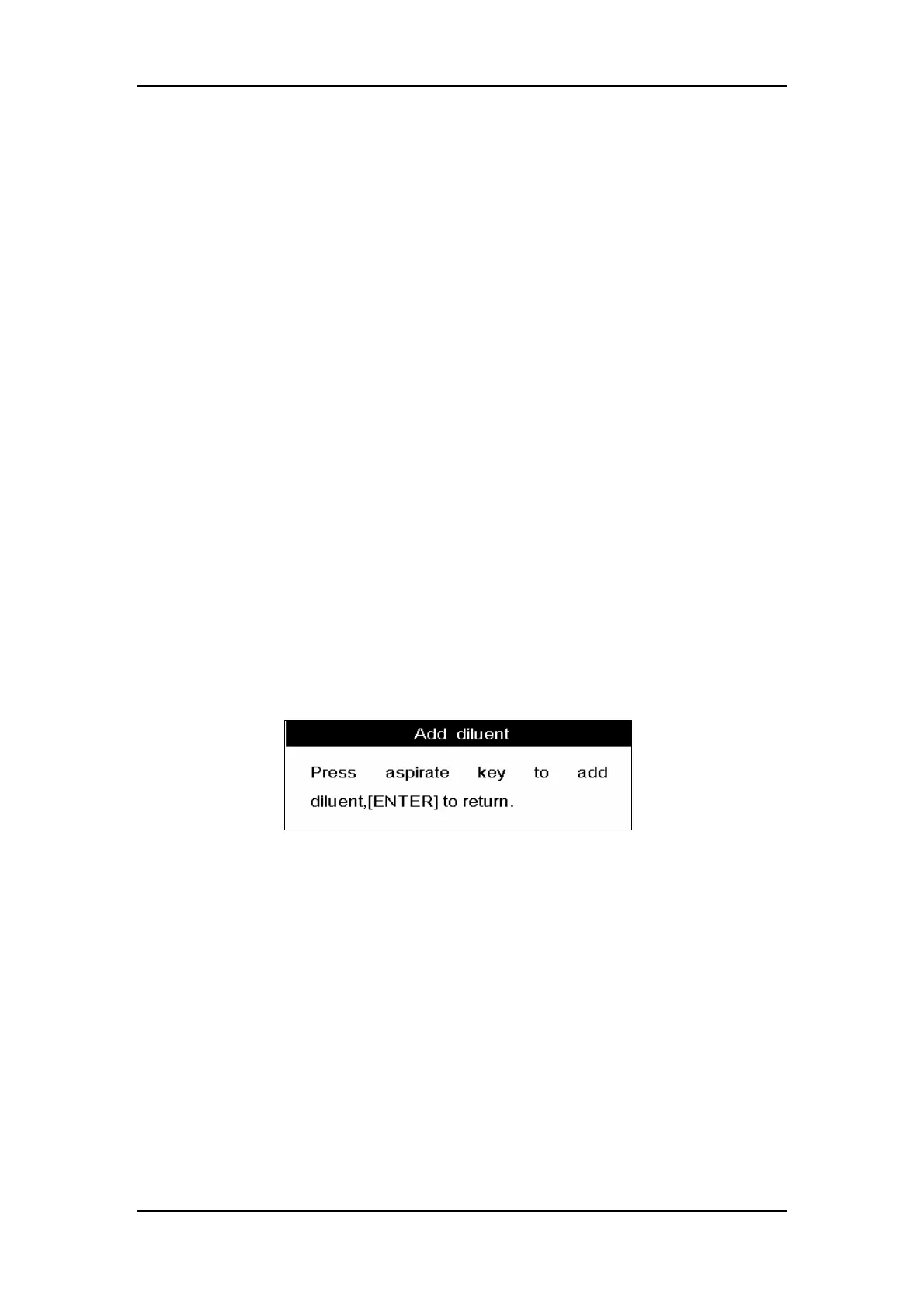
2. Press [DILUENT] and a message box will pop up to instruct you how to dispense the
diluent into the sample tube, as Figure 9-3 shows;
Figure 9-3 An “Add diluent” message box
3. Present a clean sample tube to the sample probe and make sure the tube is tilted
towards the probe, as Figure 9-4 shows, to avoid spills and bubbles. Press the aspirate
key to dispense 0.7ml of diluent (the dispensing volume is controlled by the analyzer) into
the tube;



 To Next Page