105
Personal Speed Dials
You can dial your personal speed dials from the relevant option on
your Featurephone menu or by dialing the appropriate short code
access from your analog phone.
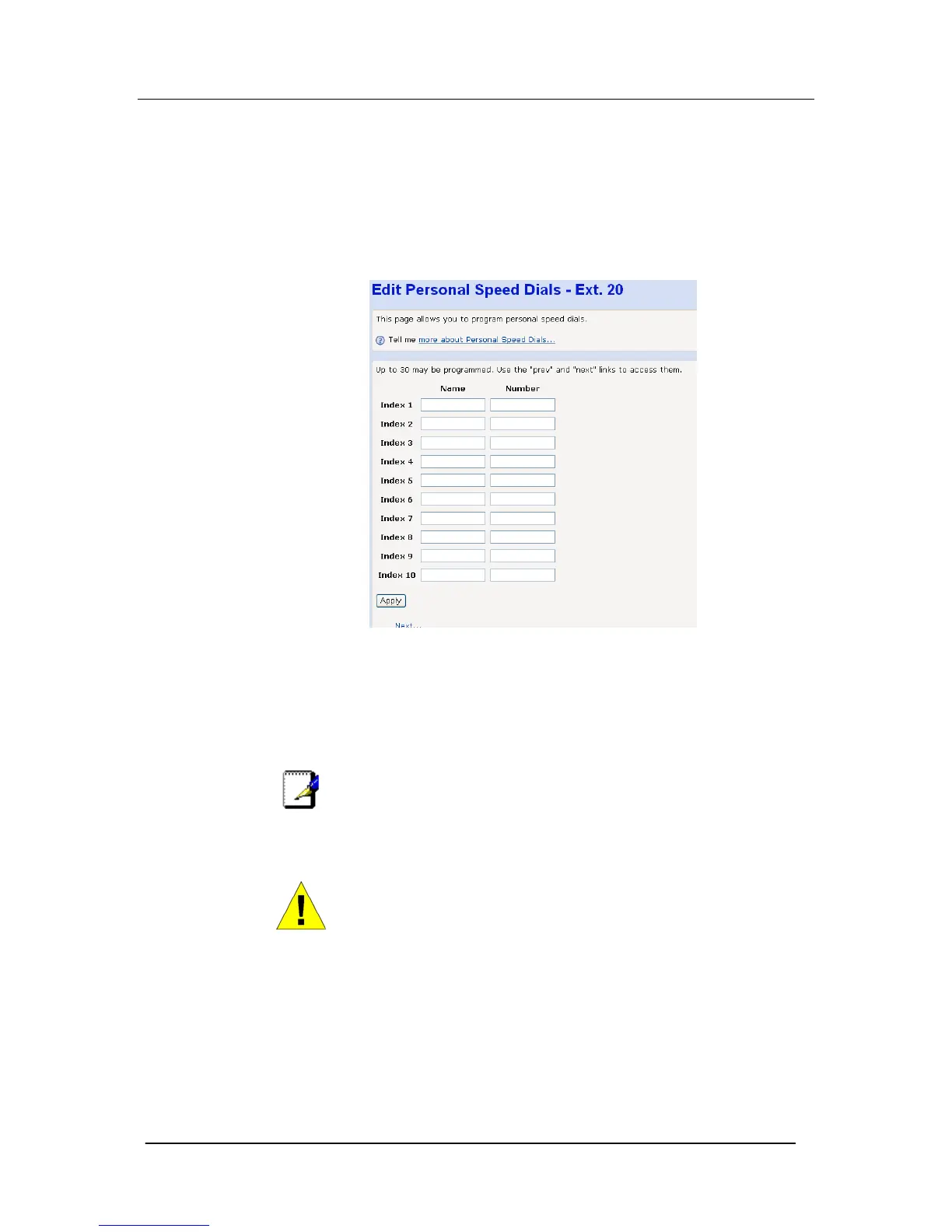
This page allows the user to enter up to 30 personal speed dial
numbers for each extension. The personal speed dials are referred
to as Index 1 – 30.
You may also associate a Name with each Speed Dial entry.
Name
Enter up to 10 characters in this field
Number
Enter up to 20 digits in this field.
Note
To access the entries for Index 11 – 30, use the Next button on
the bottom right hand corner of the Edit Personal Speed Dials
page. You cannot Forward to an extension that has the ‘Do Not
Disturb’ feature set.
WARNING
Make sure you select the APPLY button before proceeding to
additional pages to complete more entries (e.g. Index 11 – 20),
otherwise your changes might be lost.
Program Keys
This option applies to Featurephone only.
There are 8 programmable Function Keys on your system
Featurephone.





 To Next Page