106
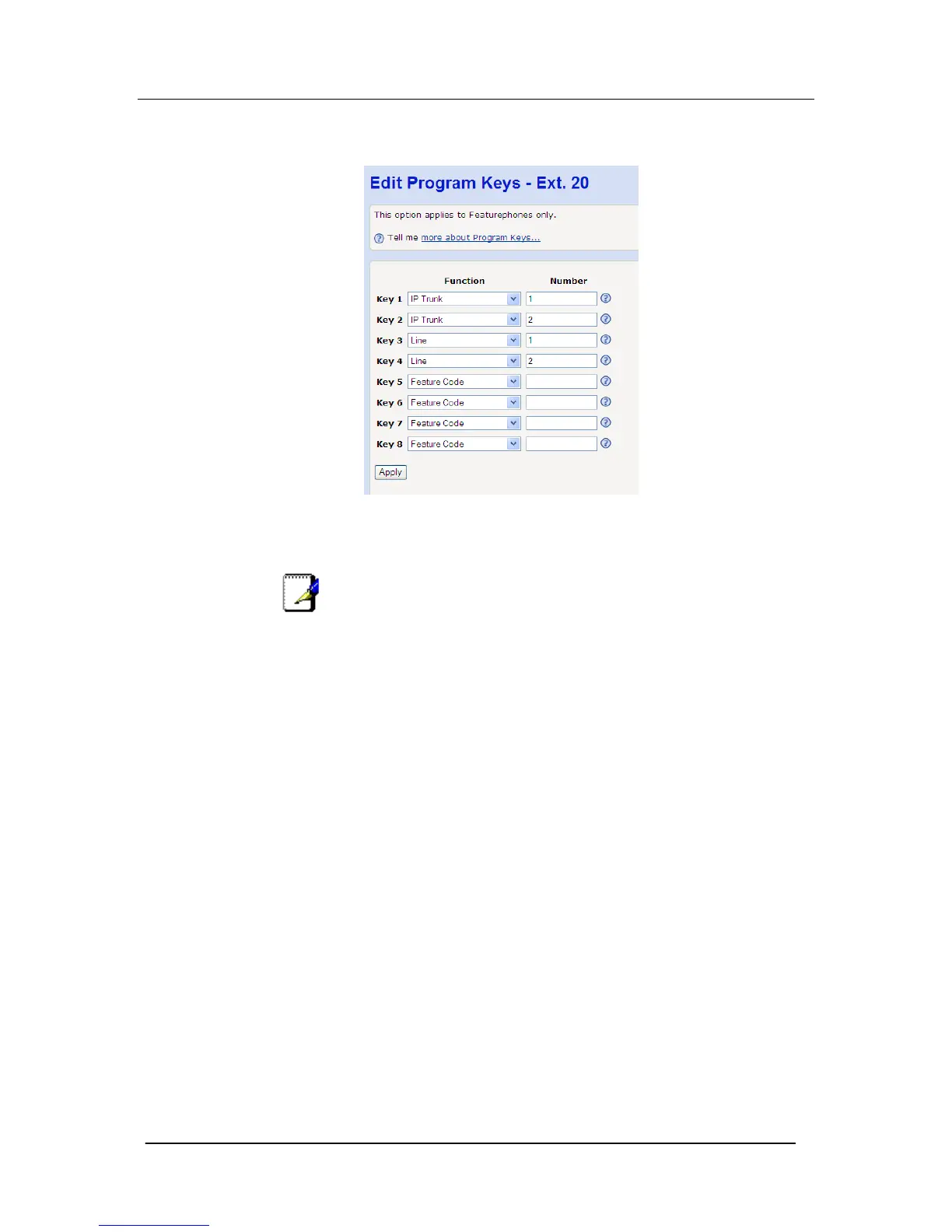
In default mode, the Featurephone ‘Program Keys’ are
programmed to select the external lines available on the system,
the first key for Line 1 the second for Line 2 and so on.
Using your mouse left click on the ‘Function’ menu option next to
the Key you wish to program. From the drop down list available,
select the required setting.
Note
Some settings require additional data to be entered. e.g.
Selecting "Extension" as the program function will require you to
enter the actual extension number (e.g. 21, 32 etc..) in the
associated ‘Number’ field.





 To Next Page