127
Configuring WPA security
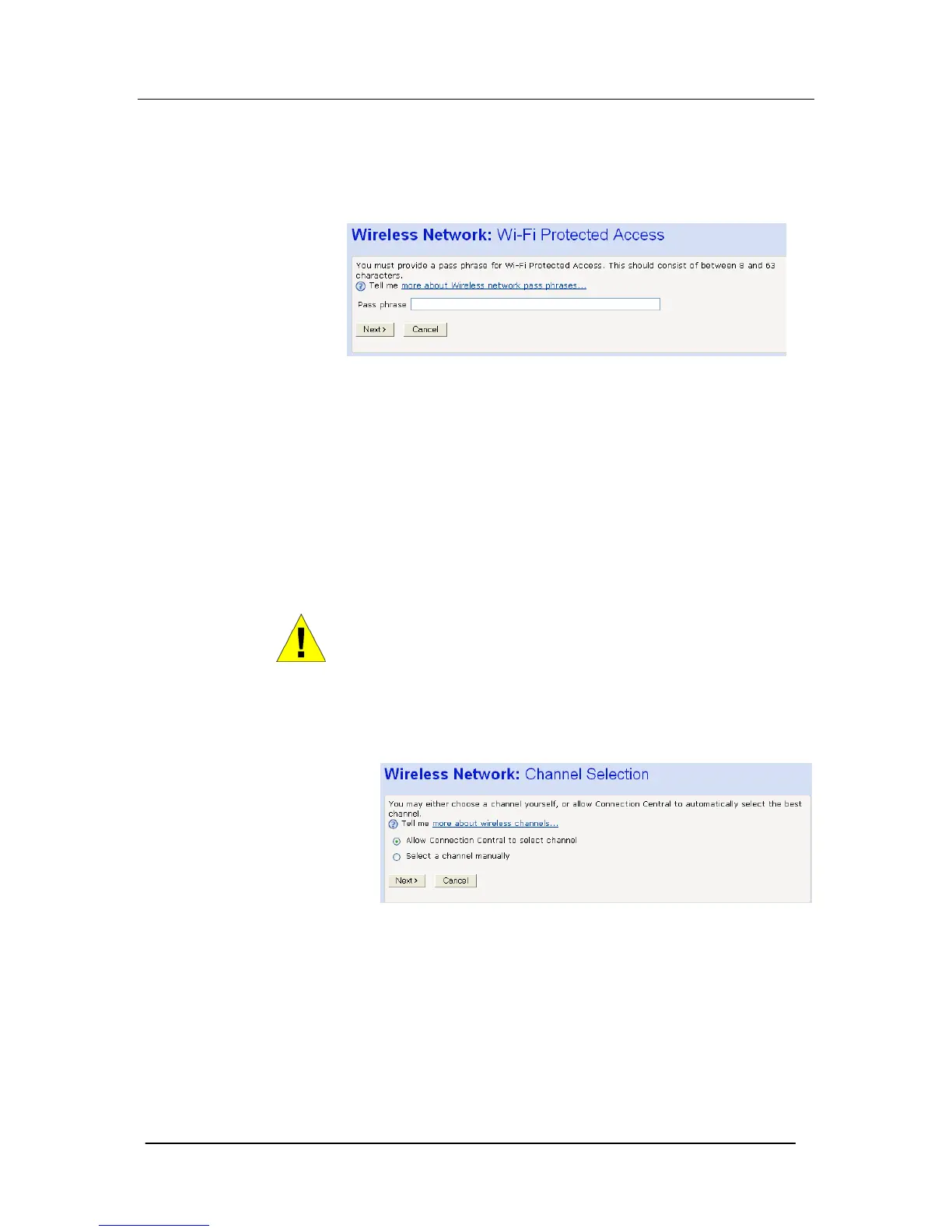
Once you have selected WPA and then clicked Next>, the following
page is displayed:
1. Type a unique pass phrase in the Pass phrase text box. Your
pass phrase should be at least 20 characters long in order to
deter potential intruders.
2. Once you have typed a pass phrase, click Next>.
If you are following the First Time Settings wizard, the next
page in the wizard sequence is displayed, which allows you to
Configure Wireless Address Authentication.
If you have accessed this page from the General Settings section of
the Wireless Network page, click on the Confirm Changes button to
apply changes and return to the Wireless Network page.
WARNING
It is strongly recommended that you enable Wireless Security to
help protect your wireless network from unauthorized access.
Select a Channel
The following page allows you to select a network channel:
The next page in the wizard sequence is displayed, which allows
you to





 To Next Page