140
Policies, Triggers, Intrusion Detection, Logging
The security policy settings, stateful inspection triggers, intrusion
policy detection and logging settings can be displayed and
changed.
Security Policy
This is used to add or delete filters
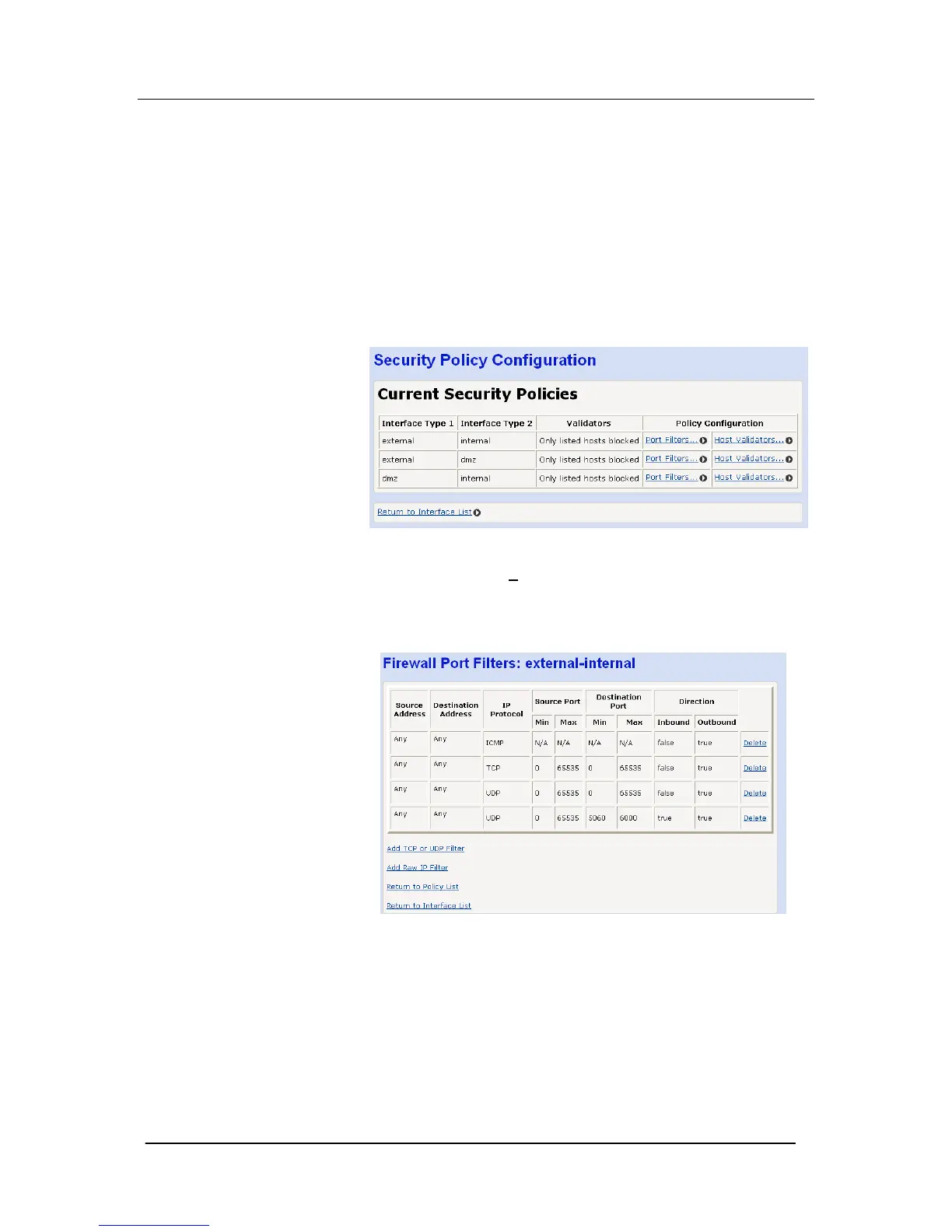
Select “Security Policy Configuration …”
The following screen is displayed.
Select “Port Filters … ”
for an interface (external/internal,
external/dmz, dmz/internal)
The following screen is displayed for the interface selected
This screen lists the filters currently in effect for that interface.





 To Next Page