141
Adding Port Filters
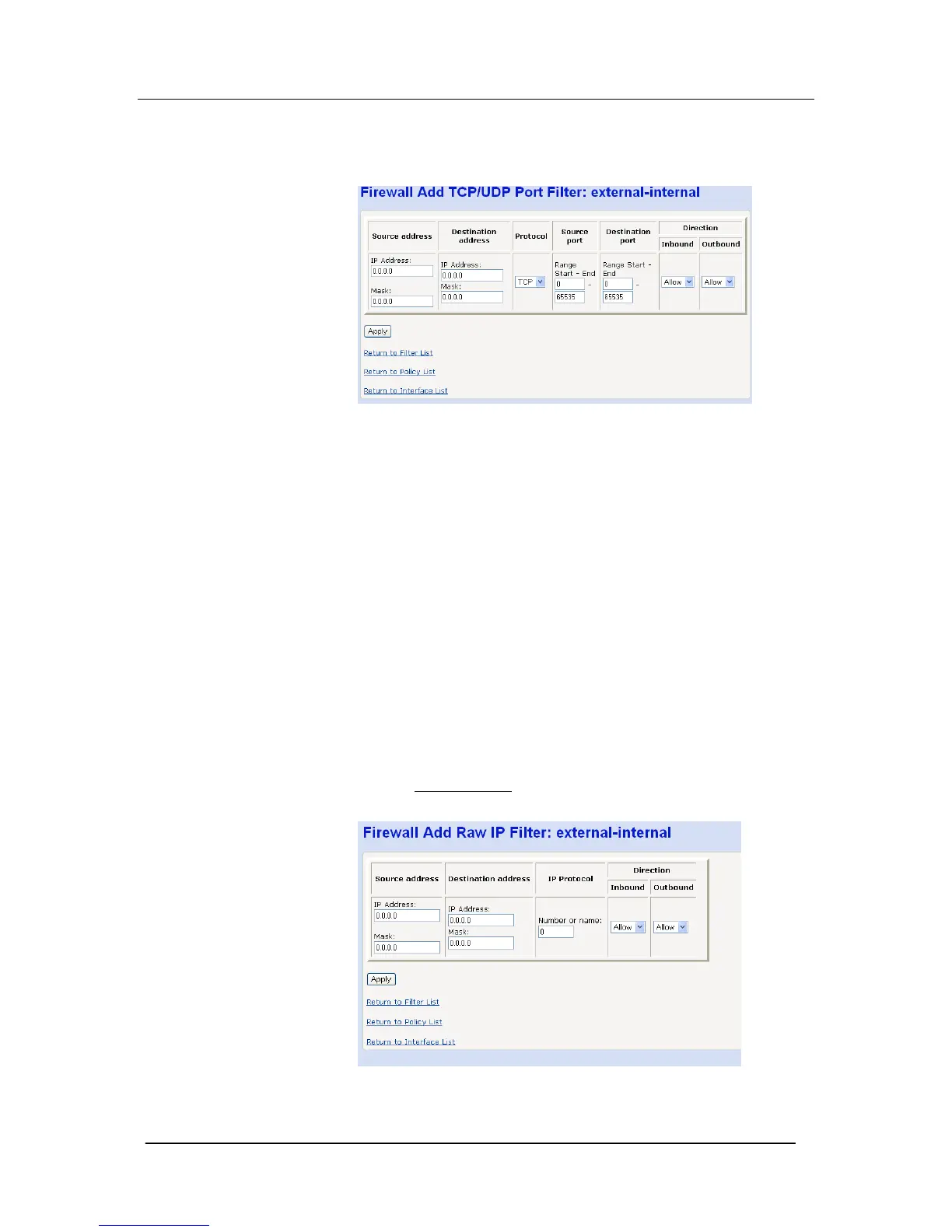
Select “Add TCP or UDP Filter”
The following screen is displayed
Enter the following parameters
- IP Source address
- IP Destination address
- IP Protocol, TCP or UDP
- Source port or range of ports (associated with source IP address)
- Destination port or range of ports (associated with destination IP
address)
- Direction, Inbound or Outbound
Select “Apply”
Save the new configuration
Restart the Mitel 1000
Adding Raw IP Filters
Filters based on IP address and protocol only can be added to the
security level displayed.
Select “Add Raw Filter
”
The following screen is displayed
Enter the following parameters





 To Next Page