142
- IP Source address and Subnet Mask
- IP Destination address and Subnet Mask
- IP Protocol
- Direction, Inbound or Outbound
Select “Apply”
Save the new configuration
Restart the Mitel 1000
Host Validators
Traffic to or from specific hosts can be blocked by the firewall.
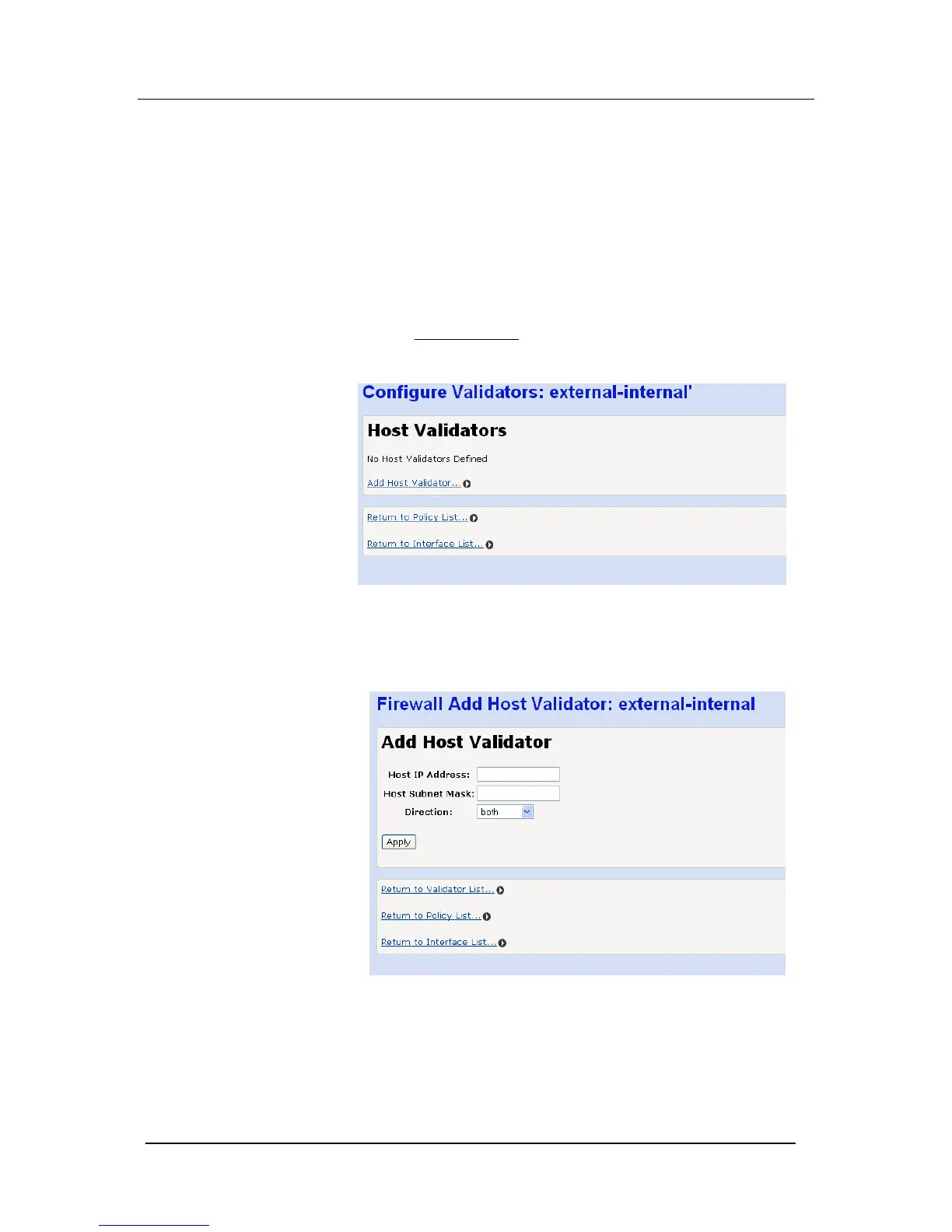
Select “Host Validators
…” for a particular interface
The following screen is displayed
Select “Add Host Validator … ” for the selected interface
The following screen is displayed
Enter the host IP address and Subnet mask
Select the direction, “Inbound”, “Outbound” or “Both”
Select “Apply”
Save the new configuration
Restart the BROADBAND MODULE





 To Next Page