144
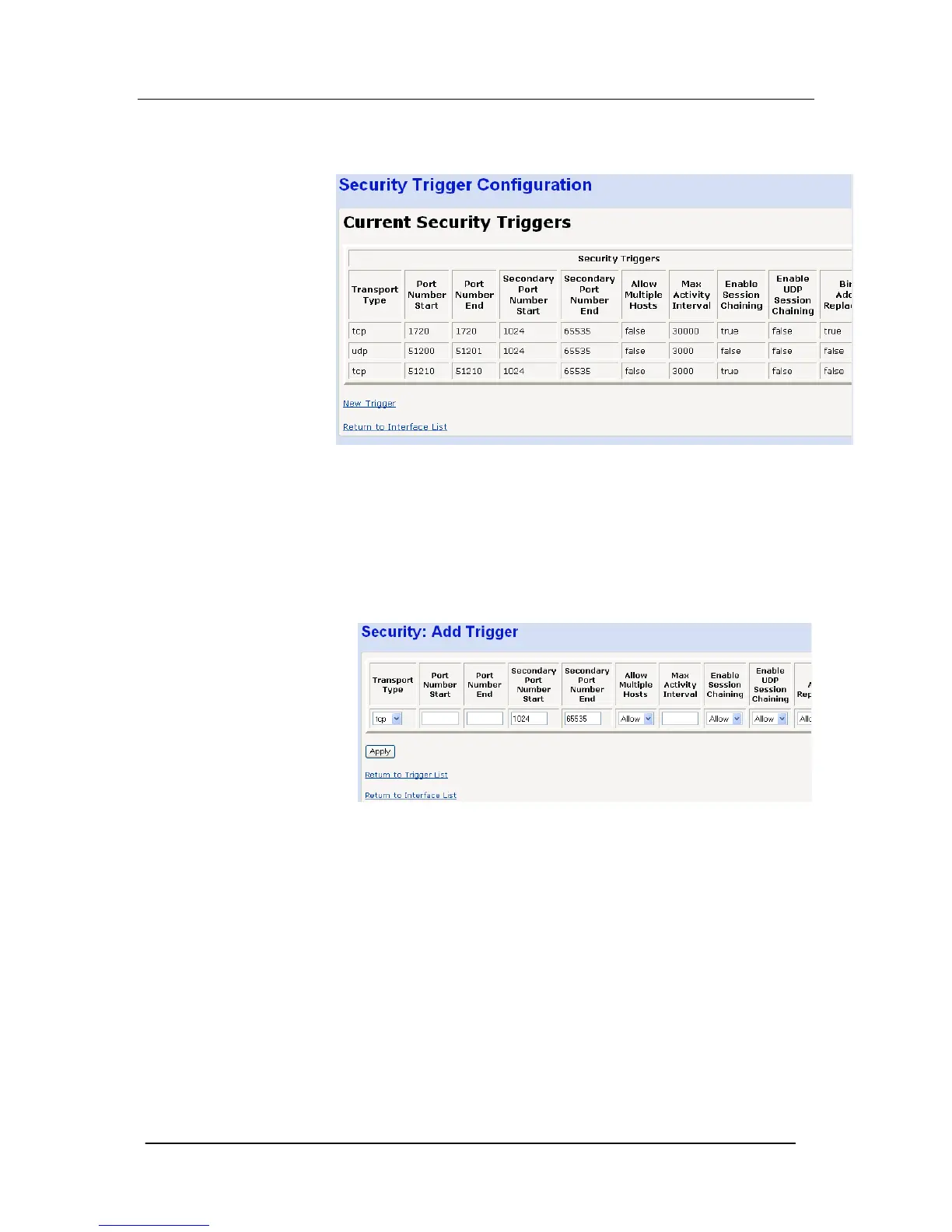
Select “Security Trigger Configuration …”
The following screen is displayed
Current security triggers are displayed. There is an option to delete
each entry.
Select “New Trigger”
The following screen is displayed
Enter the following parameters
Transport Type Adds a trigger for a TCP or UDP application
Port Number Start Sets the start of the trigger port range for the control
session
Port Number End Sets the end of the trigger port range for the control session
Secondary Port Number
Start
Sets the start port range that the trigger will open
Secondary Port Number
End
Sets the end of the port range that the trigger will open





 To Next Page