145
Allow Multiple Hosts Allow or Block sets whether or not a secondary session can
be initiated to/from different remote hosts or the same
remote host on an existing trigger
Max Activity Interval The max interval time in milliseconds between the use of
the secondary port sessions. If a secondary port opened by
a trigger has not been used for the specified time, it is
closed
Enable Session Chaining If this is enabled, TCP dynamic sessions also become
triggering sessions, which allows multi-level session
triggering
UDP Session Chaining If this is enabled, UDP dynamic sessions also become
triggering sessions, which allows multi-level session
triggering
Binary Address
Replacement
Sets whether the destination IP address of the incoming
packet is replaced with the associated internal IP address to
allow NAT traversal
Address Translation Type Sets address replacement on a particular packet type.
Select “Apply”
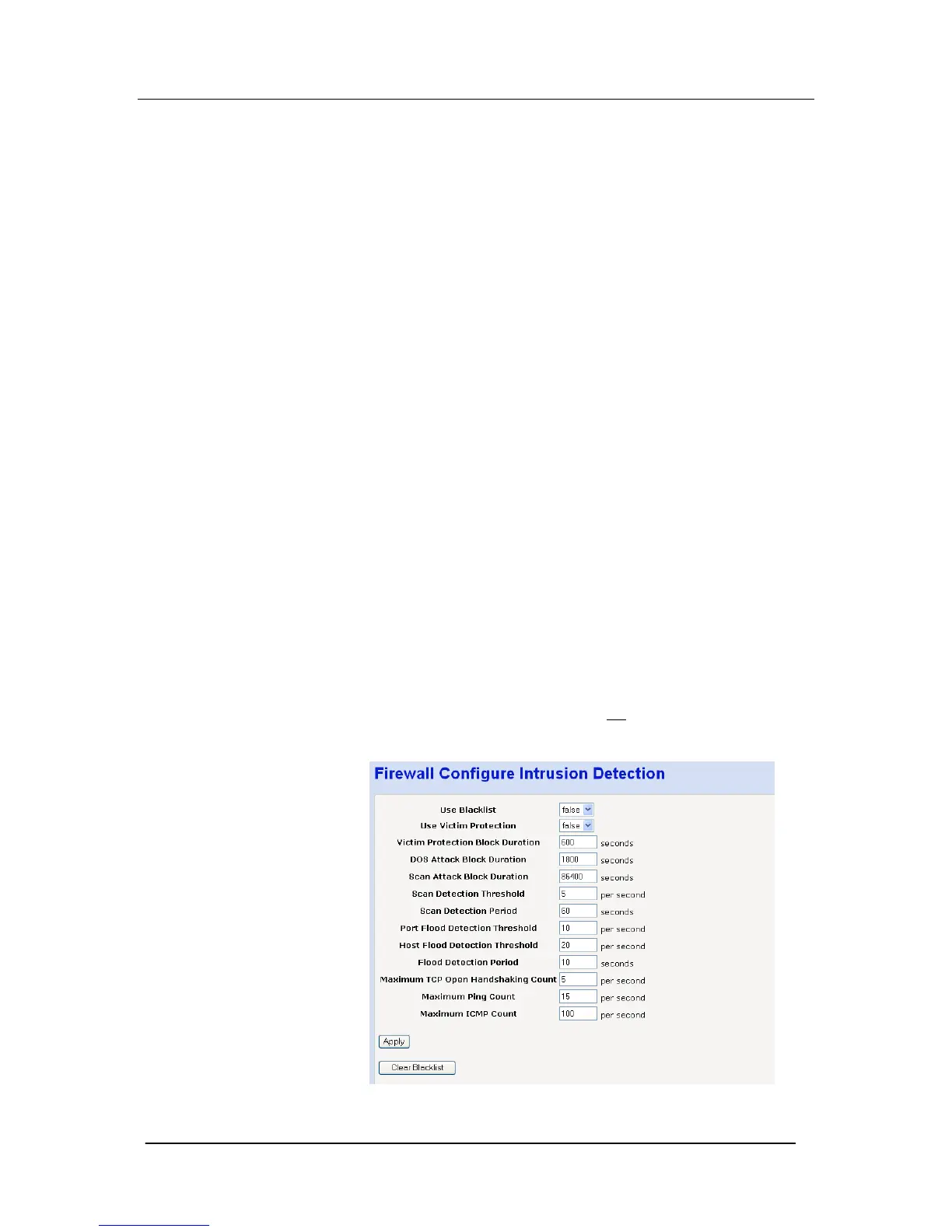
Intrusion Detection
This is used to detect and block incoming attempts to attack or
block traffic to the site.
Select “Configure Intrusion Detection …
”
The following screen is displayed





 To Next Page