25
WARNING
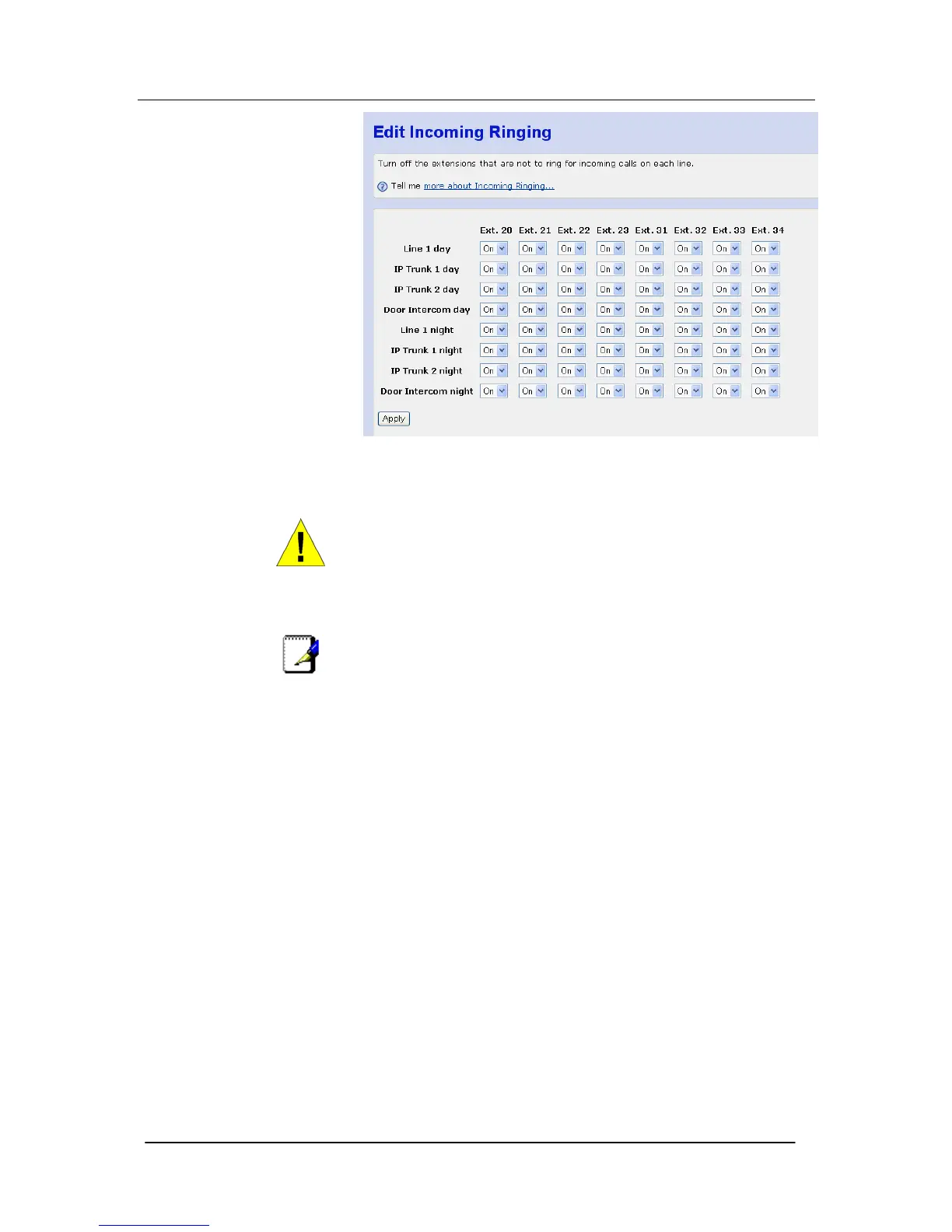
The Apply button must be clicked before the page is exited for the
changes to take effect. The settings will be lost if this is not done.
Note
To set Night mode see page 61.
Extension Names
The settings on this page have an effect on an extension by
extension basis. Individual features can be set or unset for particular
extensions on the system.
You may assign names to extensions. When an extension receives
an internal call, its 'display' will show the calling extension name in
the place of the calling extension number.
To set the extension name, left mouse click on the field and enter
the name associated with the extension.





 To Next Page