26
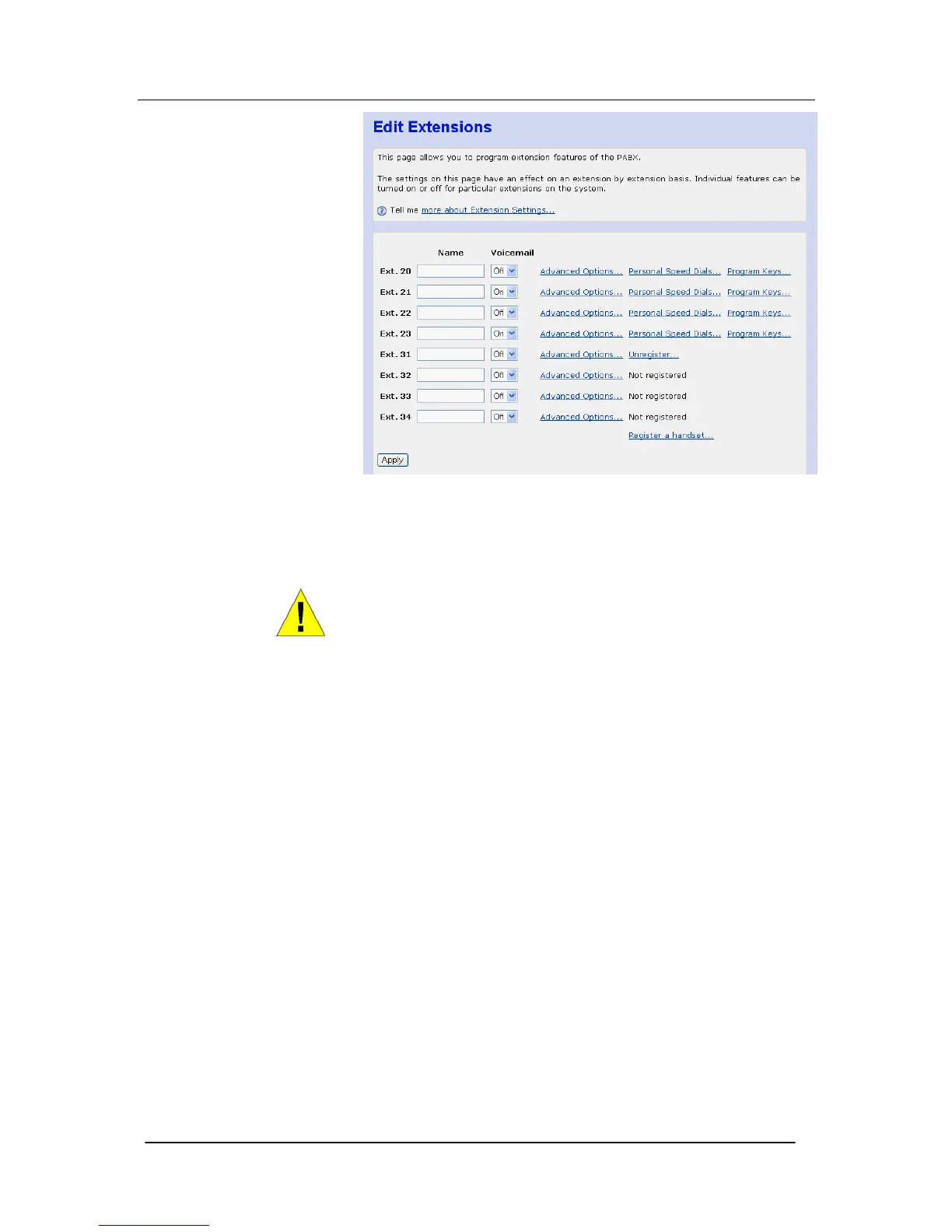
A maximum of 10 characters per name can be entered.
Voicemail
Use this setting to turn ON/OFF individual voicemail boxes for each
extension.
WARNING
The Apply button must be clicked when the names are entered
and voice mail selected. Do not select any of the other options on
the page until the Apply has been clicked or the settings for the
names and voice mail will be lost.
Extension Class of Service
The Class of Service feature allows the user to define barring
settings for each extension connected to the system restricting that
extension from making certain types of calls from the system.





 To Next Page