72
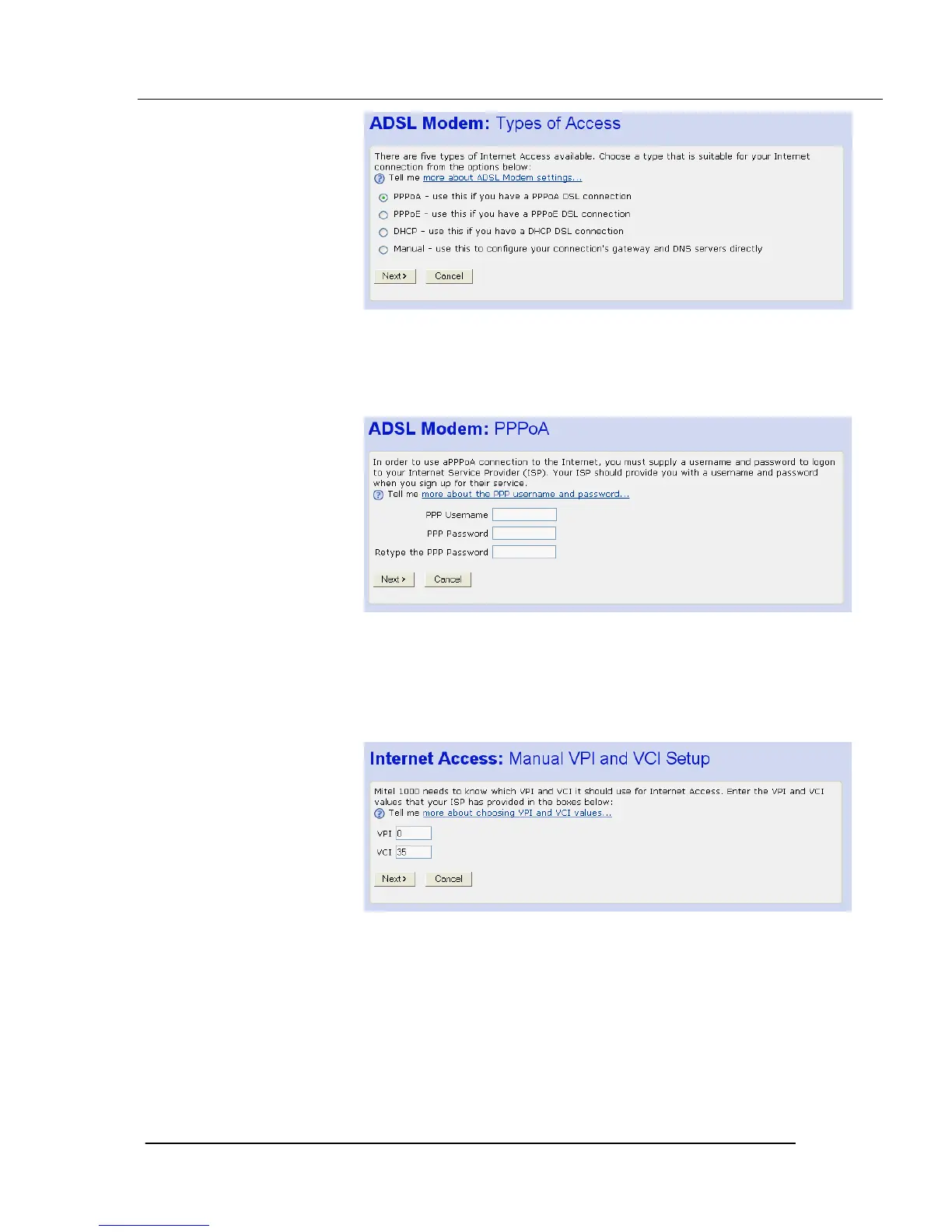
4. Select PPPoA and Click Next>. The following page is displayed:
Enter the PPP username and password provided by your ISP. Type them in
the relevant boxes, and then click Next>.
5. The following page is displayed: The settings of VPI=0 and VCI=35 are
the default settings. If your ISP has supplied you with different values
enter them here.
Click Next>. The following page is displayed:





 To Next Page