75
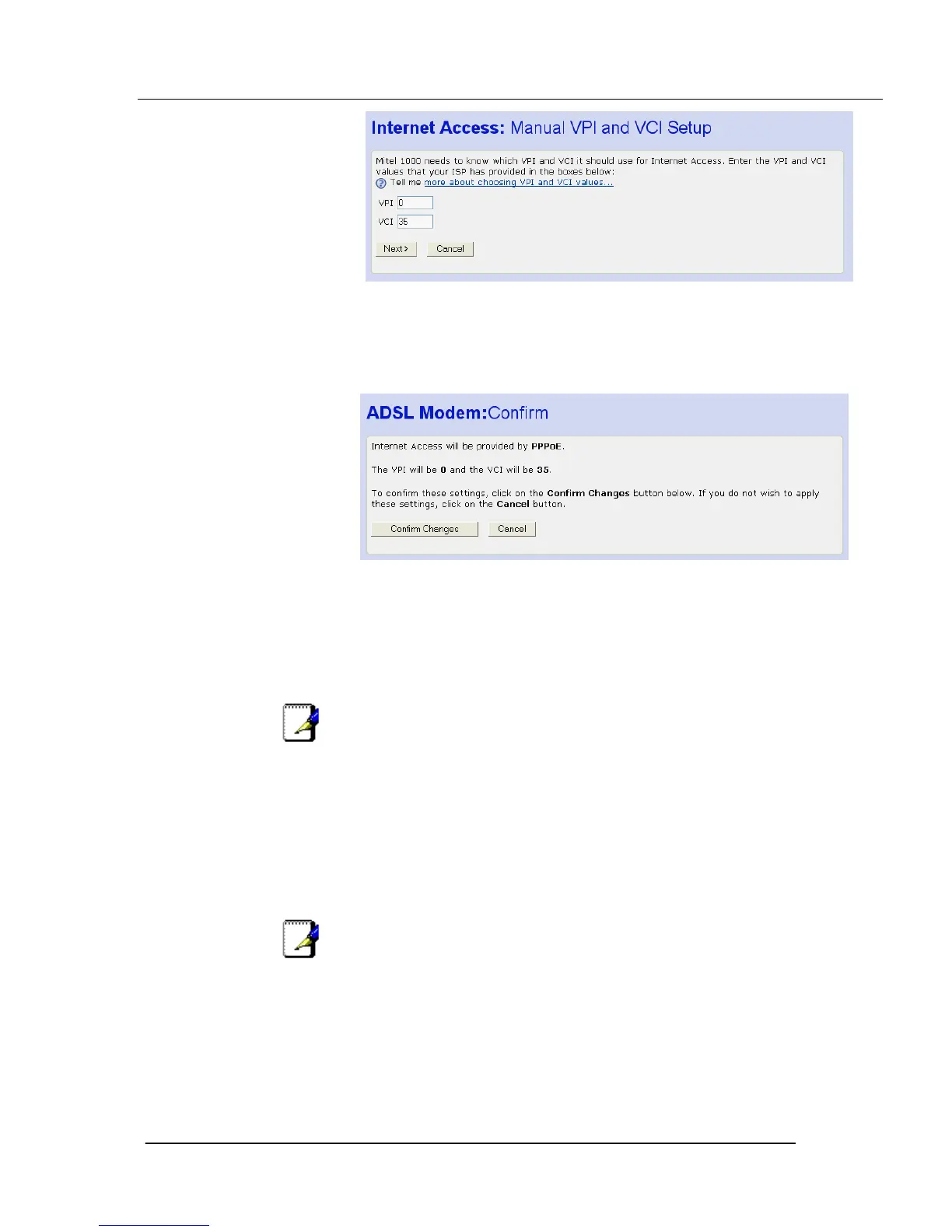
The settings of VPI=0 and VCI=35 are the default settings. If your ISP has
supplied you with different values enter them here.
6. Click Next>. The following page is displayed:
This page confirms your PPPoE settings.
7. If you are happy with your settings, click Confirm Changes. The Internet
Access page is displayed.
Enabling MAC spoofing
Note
You should only enable MAC spoofing if your ISP has requested
that you do so. In most cases, you will not need to do this.
Your ISP identifies your modem by its unique hardware number or Media
Access Control (MAC) address. If you are using PPPoE Internet access, your
ISP may want you to spoof the identity of a different device. You can spoof the
MAC address of another device by replacing your Mitel 1000’s existing MAC
address with another device’s address. Your ISP will provide you with the
replacement MAC address.
Note
You can only configure MAC spoofing if you are using PPPoE
Internet access.
If your ISP instructs you to change your Mitel 1000’s default MAC address,
follow the instructions below:
1. From the Internet Access page, click Enable or disable MAC Spoofing
here… The following page is displayed:





 To Next Page