Tip: For marine use, select the 2D mode and enter your altitude, which is the height of the
antenna above sea level.
7.2.5
–
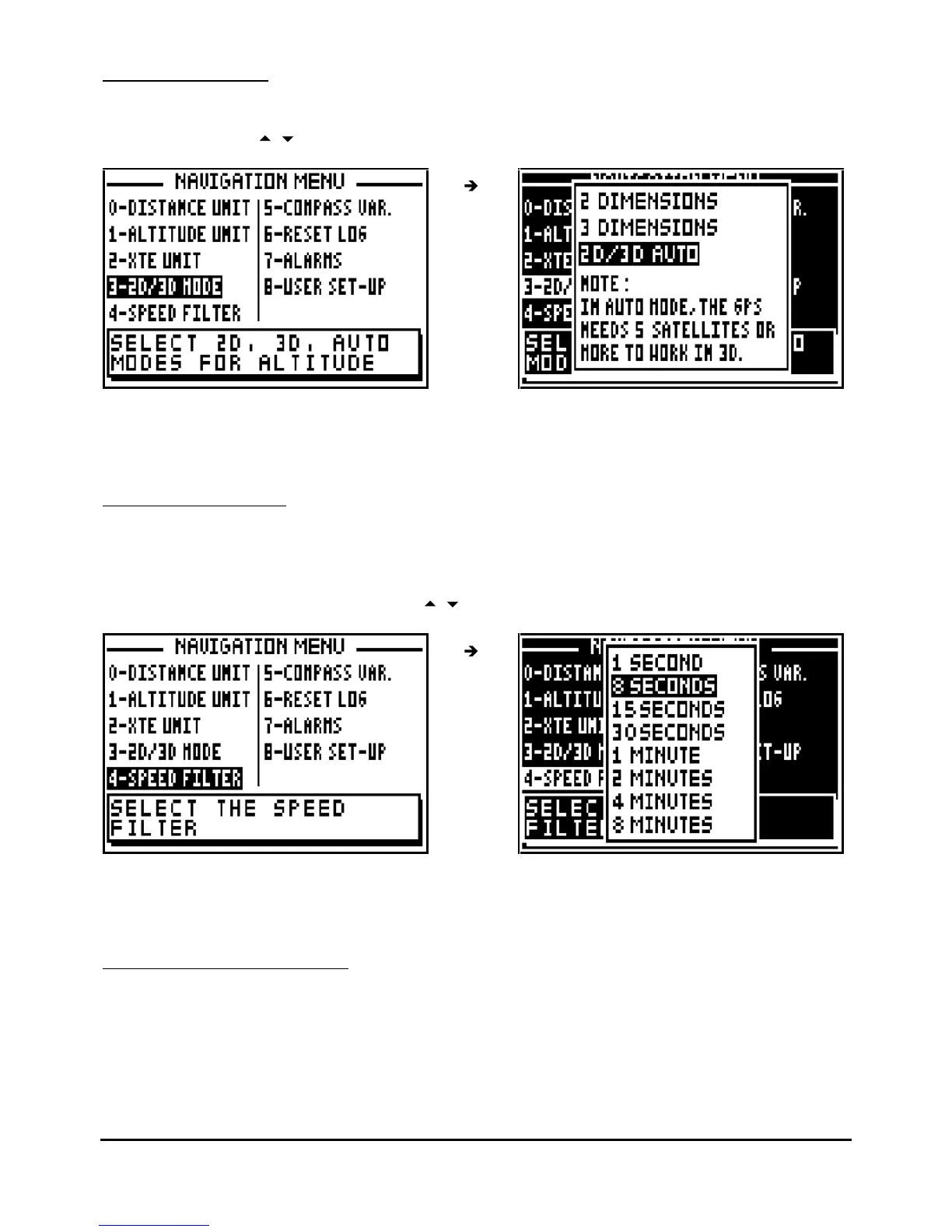
SPEED FILTER
Filtering or smoothing increases the
accuracy of the speed readout.
From the NAVIGATION MENU, press key 4 (or select 4-SPEED FILTER and press
Enter
).
Select the speed filter required using the
arrow keys and press
Enter
.
Tip: For a fast vehicle (e.g. car) use a short constant and for a slow vehicle (e.g. boat) use a
longer constant.
7.2.6
–
COMPASS VARIATION
The bearing and course are referenced to true north. To reference them to the magnetic north it
is necessary to enter the compass variation. The magnetic variation is generally indicated on
the navigation chart.



 To Next Page