MANUAL-75-v2.0 43 of 82
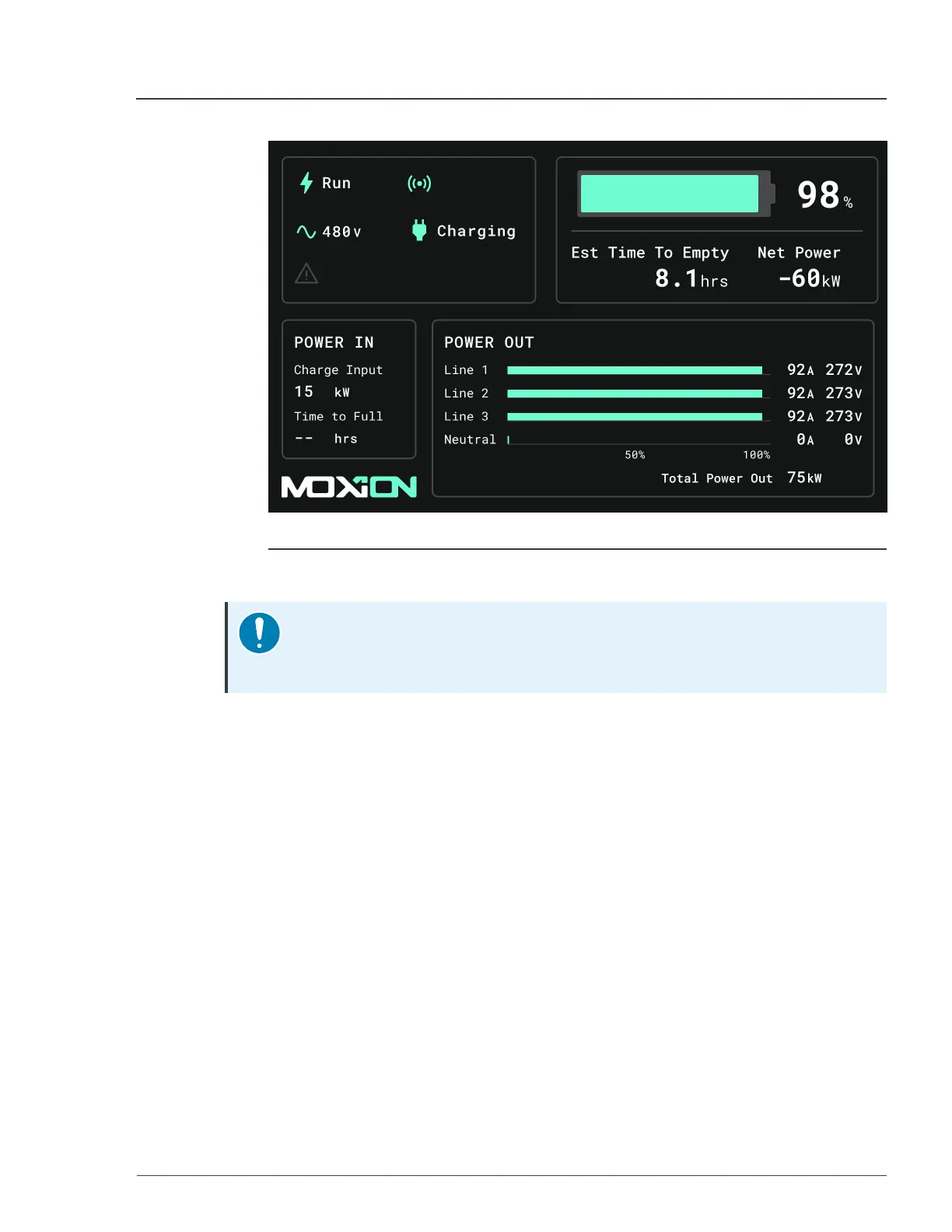
Figure 20 - MP75-600 running
The unit is now operating and outputting power.
Notice
Ensure all doors are secured and locked to prevent access by untrained
personnel.
3.8 Shutting down the unit
After you confirm that the load is off, you can safely shut down the unit.
To shut down the unit, follow these steps:
1. At the back of the unit, locate the top right panel door.
► For more information, see
Control
display
on page 34
2. If needed, unlock the panel door with the supplied keys, and then pull the latch to
open the door.
3. On the top right panel, turn the
Control
knob to the
STANDBY
position. When
the line voltages on the panel display are at
0
, the unit output power is disabled.
4. Switch all
Twist
Lock
breakers to the
OFF
position.
5. Switch the
Main
Breaker
to the
OFF
position.
6. Open the top left panel door.
7. On the top left panel, make sure all indicator lights are off.
3 Quick start MP75-600 - User Manual


 To Next Page