40 of 82 MANUAL-75-v2.0
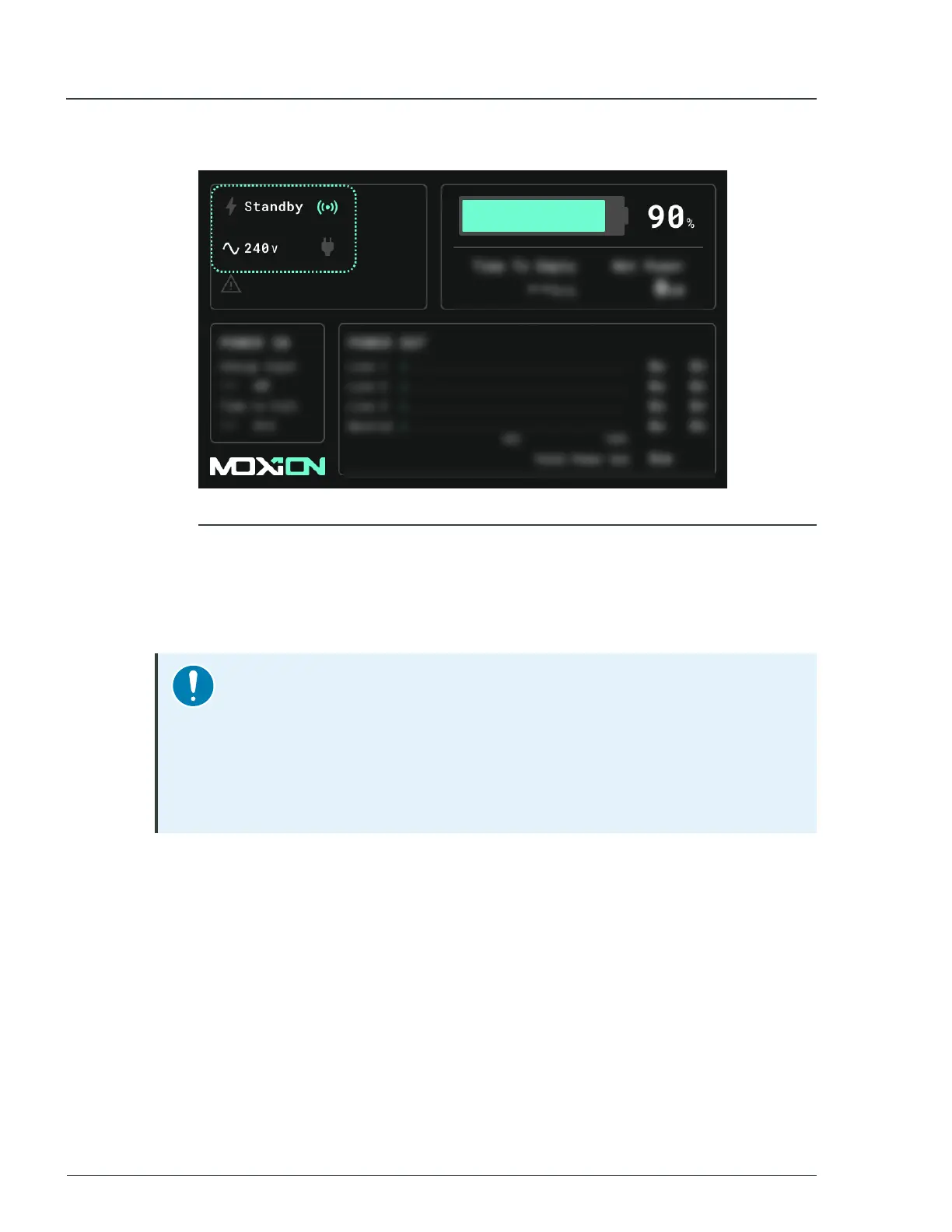
The screen displays the selected voltage.
Figure 19 - MP75-600 in standby mode.
3.4 Testing the GFCI outlets
You can determine the current status of a GFCI outlet by observing the status light
indicator for the outlet. In addition, you can also test and reset individual GFCI outlets.
Notice
Routine operational checks of standard GFCI outlet circuits sometimes
include a process, in which a qualified person checks the circuit with a
standard plug-in GFCI tester. These stand-alone testers conflict with the
built-in AC isolation monitoring of MP75-600, which causes the GFCI outlet
to trip. However, such a result does not indicate that there is an issue with
the unit.
To test the GFCI outlets, follow these steps:
1. At the back of the unit, locate the top left panel door.
2. If needed, unlock the panel door with the supplied keys, and then pull the latch to
open the door.
3. On the outlet panel, identify the GFCI outlets.
► For more information, see
Outlet panel
on page 29
MP75-600 - User Manual 3 Quick start



 To Next Page