MANUAL-75-v2.0 9 of 82
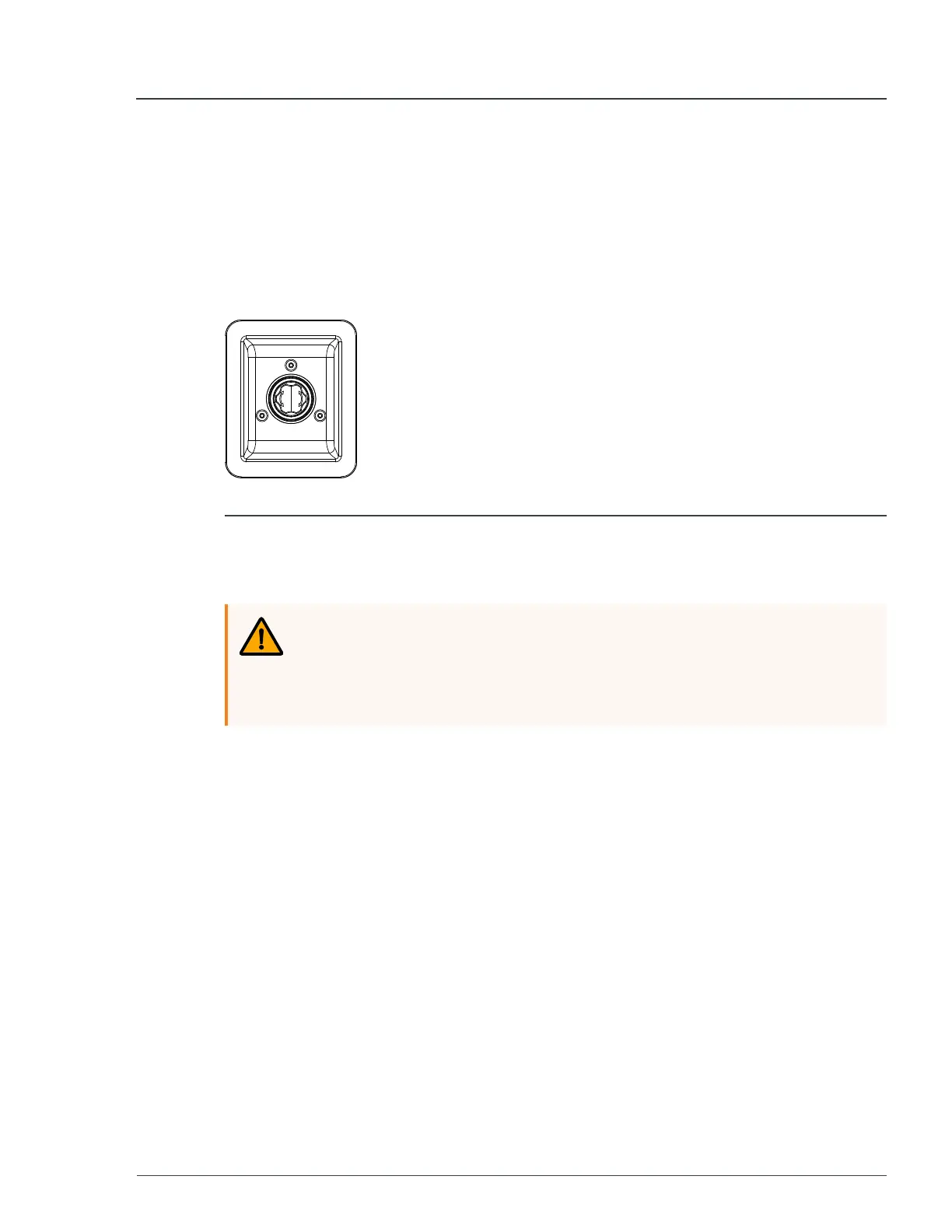
1.2.1 Emergency stop button
The unit is halted in a controlled manner by pressing the emergency stop button.
After the emergency stop button has been pressed, the unit can only be restarted
after the emergency stop button has been released and the system has been reset.
To release the emergency stop button, turn it in the direction of the arrows.
► For more information, see
E-stop
on page 32
Figure 1 - Emergency stop button
1.3 Safety labels
WARNING
Risk of injury due to illegible signs!
Any labels or stickers which are found to be illegible are to be replaced
immediately.
Safety labels are fitted to the unit to warn you about potential hazards. These labels
must not be defaced or removed.
The following labels are visible when the unit is in a safe working mode or maintenance
is being performed.
1 Safety information MP75-600 - User Manual


 To Next Page