Bolt X Quick Start Guide
6
Software setup
Always ensure you have the right configuration for the robot
you are using, such as maximum axis speeds and accelerations.
Also check the Cartesian speed and acceleration limits are set
to reasonable values.
Operational safety
Do not use around flammable gas. All electrical equipment can
generate sparks that can ignite flammable gas.
Keep the equipment dry. The system has not been made
weatherproof. Do not use with wet hands.
Always run moves only when standing within easy reach of the
emergency stop.
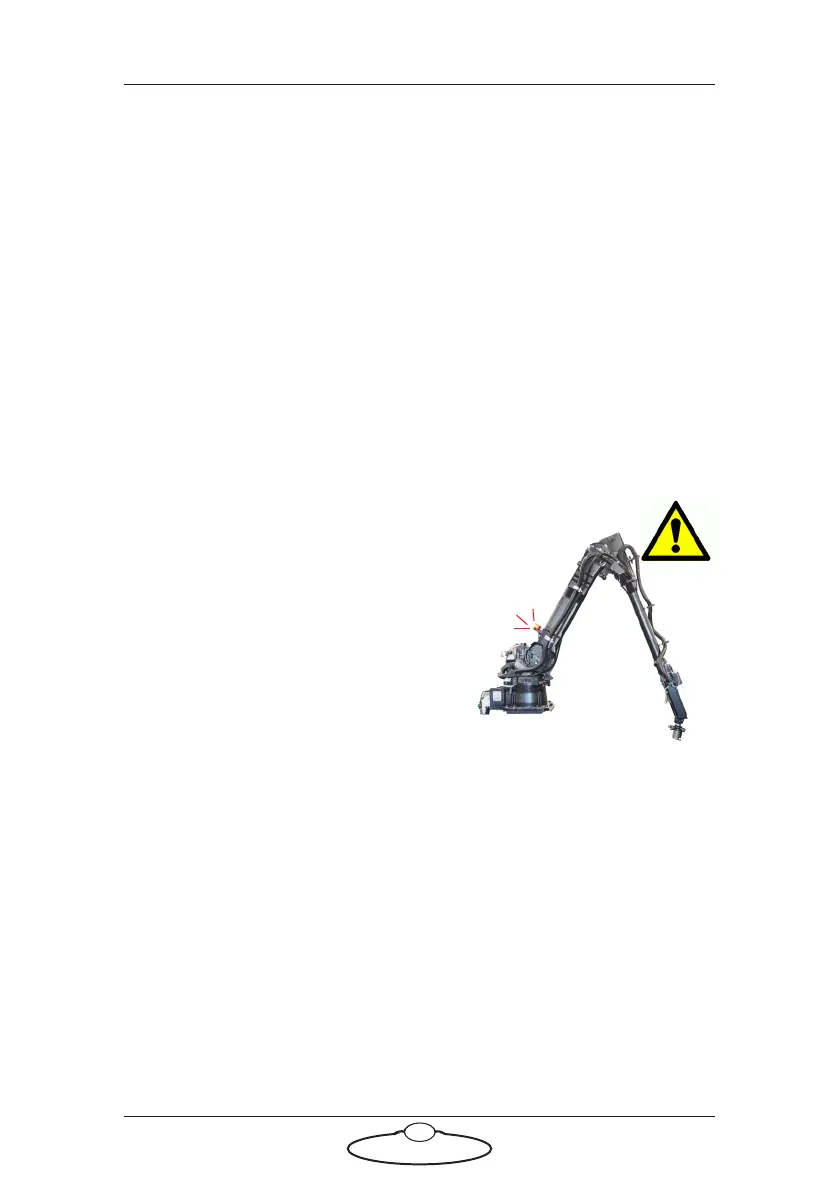
Always tell the production
company and the crew to keep
away from the robot and not
approach it when any of its red
lights are on which indicates it
is powered up. Have them sign
the appropriate safety
documents and disclaimers to
ensure they understand this
and are indemnifying MRMC
if anything happens.
Always loudly and clearly indicate to others when the rig is
about to move. Shout “Rig Moving!” if no other means exists.
When using track motion always have someone keep an eye on
the trailing rig cables to ensure they don’t get caught on
anything or anyone.
Always ensure the rig is disabled when someone has to enter
the No Go Zone.
Always run any move or adjusted move slowly at first to check
the motion. Even if you have checked the move previously, if
you make a minor change to it then you need to recheck it.



 To Next Page