Bolt X Quick Start Guide
39
If an error appears on the pendant display, press the Reset button to reset
the error. If the error persists, refer to the relevant troubleshooting section
in this guide to resolve the error, or contact MRMC.
Switching Bolt X to Manual Mode
You can run the Bolt X in manual mode without using Flair.
1. Ensure that YRC1000 is powered up and booted.
2. Switch the key on the pendant to ‘Teach’ position.
3. If the E-stop cable as well as the rest of the system are still
connected, switch the key on the safety PLC to horizontal position
to bypass Flair (red LED will come on).
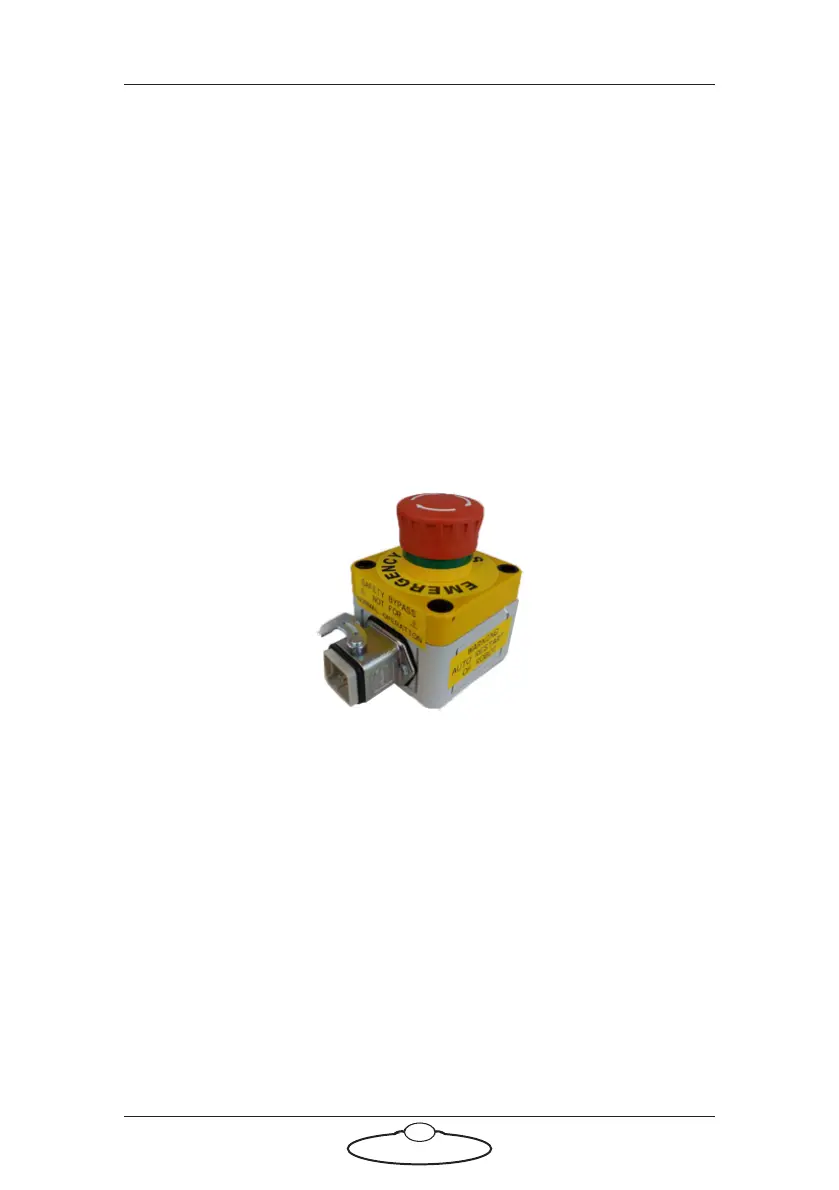
4. Alternatively, if the safety PLC is not available, you can use Bypass
Estop box [20529] and connect it directly to the umbilical.
5. Ensure that the E-stop on the pendant is released and there are no
error messages on the pendant.
6. Release the desk E-stop, or the Bypass Estop, by twisting the big red
button engage the robot by pressing the small reset button.



 To Next Page