Bolt X Quick Start Guide
45
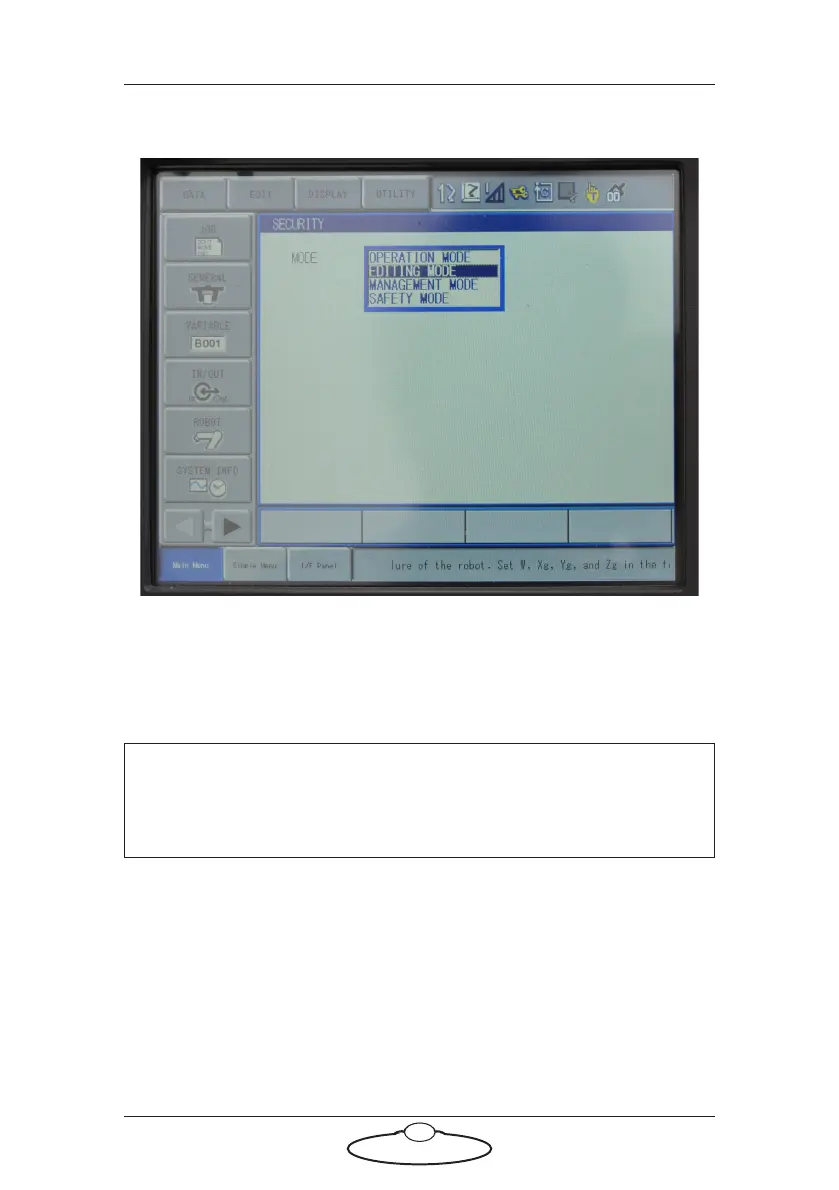
2. You will be presented with a list of user profiles. Select the desired
user profile.
3. Enter the password for the user:
Management Mode Password: 9999999999999999 (all 9s' - 16
digits)
Safety Mode Password: 5555555555555555 (all 5s' - 16 digits)
4. Press the Enter key on the keypad.
Second Home Position Check and Reset
When the robot is turned off, it stores the current position as the ‘second
home position’. An example scenario can be after a transport move the
motors can move slightly and therefore the current axis position can
change in the Second Home Position page. This might generate an error
due to a mismatch between the memorised position and actual position.
Note
When entering all the same digit, the numeric key can be held to
automatically repeat to the maximum of 16 digits.



 To Next Page