49
Routine Operation
Chillgard 5000
US
7.7.2 Alarms
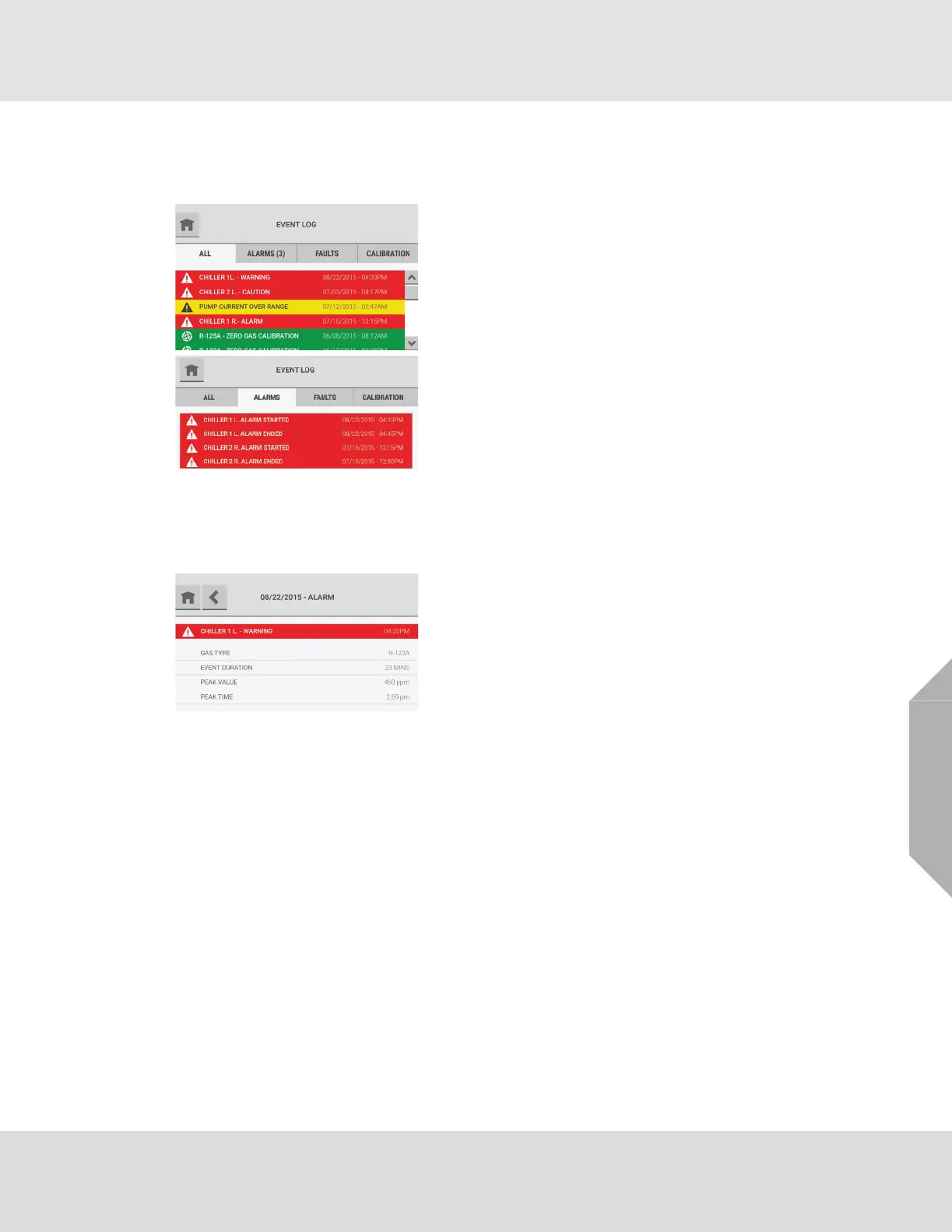
The "Alarms" tab shows a list of alarm events for the device.
The last 100 events show in chronological order. When there are 100 events in the list and a new
event occurs, the oldest event is deleted to make space for the new event to show.
Use the scroll bar to move through the list of events.
Non-latching alarm events that resolved without being
acknowledged are indicated by a number in parentheses
after the "Alarms" tab heading.
A single alarm event is divided into two events in the event
log: one for the initiation of the alarm and another for the
conclusion of the alarm.
Select any event on the "Alarms" tab to see a pop-up with
event details.



 To Next Page