48
Routine Operation
Chillgard 5000
US
7.7 Event Log
7.7.1 All
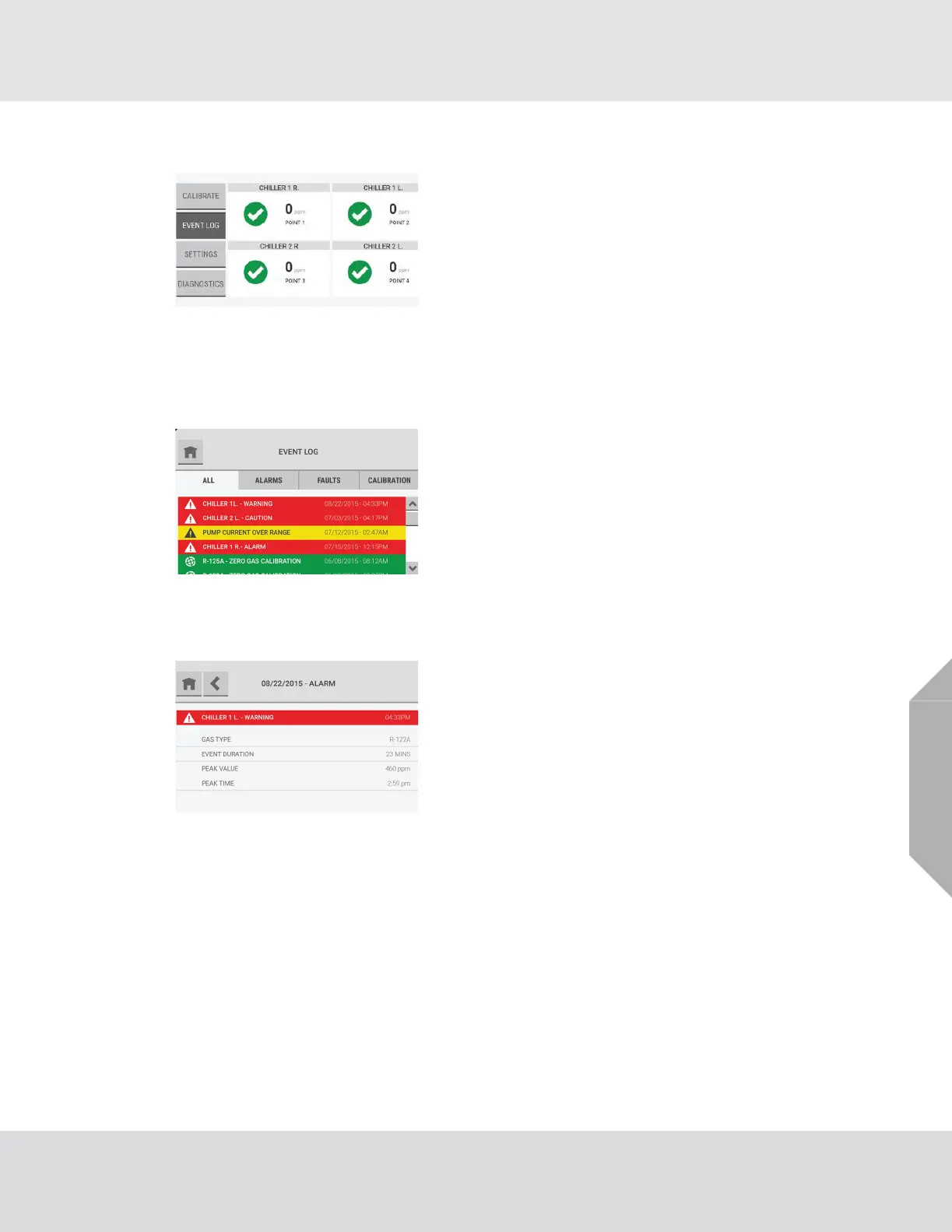
On the dashboard, select the "Event Log" button.
The "All" tab shows a list of all types of events for the
device.
The last 25 events show in chronological order. When there
are 25 events in the list and a new event occurs, the oldest
event is deleted to make space for the new event to show.
Use the scroll bar to move through the list of events.
In the Event Log, events are color coded by type:
• Red = Caution, Warning, Alarm
• Yellow = Fault, Unsuccessful Calibration
• Green = Successful Calibration
Select any event on the "All" tab to see a pop-up with the
event details.



 To Next Page